Digital Business Card: The Complete 2026 Guide (What It Is, NFC, Pricing and Examples)
What a digital business card is, how NFC cards work, making one in 5 steps, cost, free vs. paid, and examples by industry. The guide that covers it all.
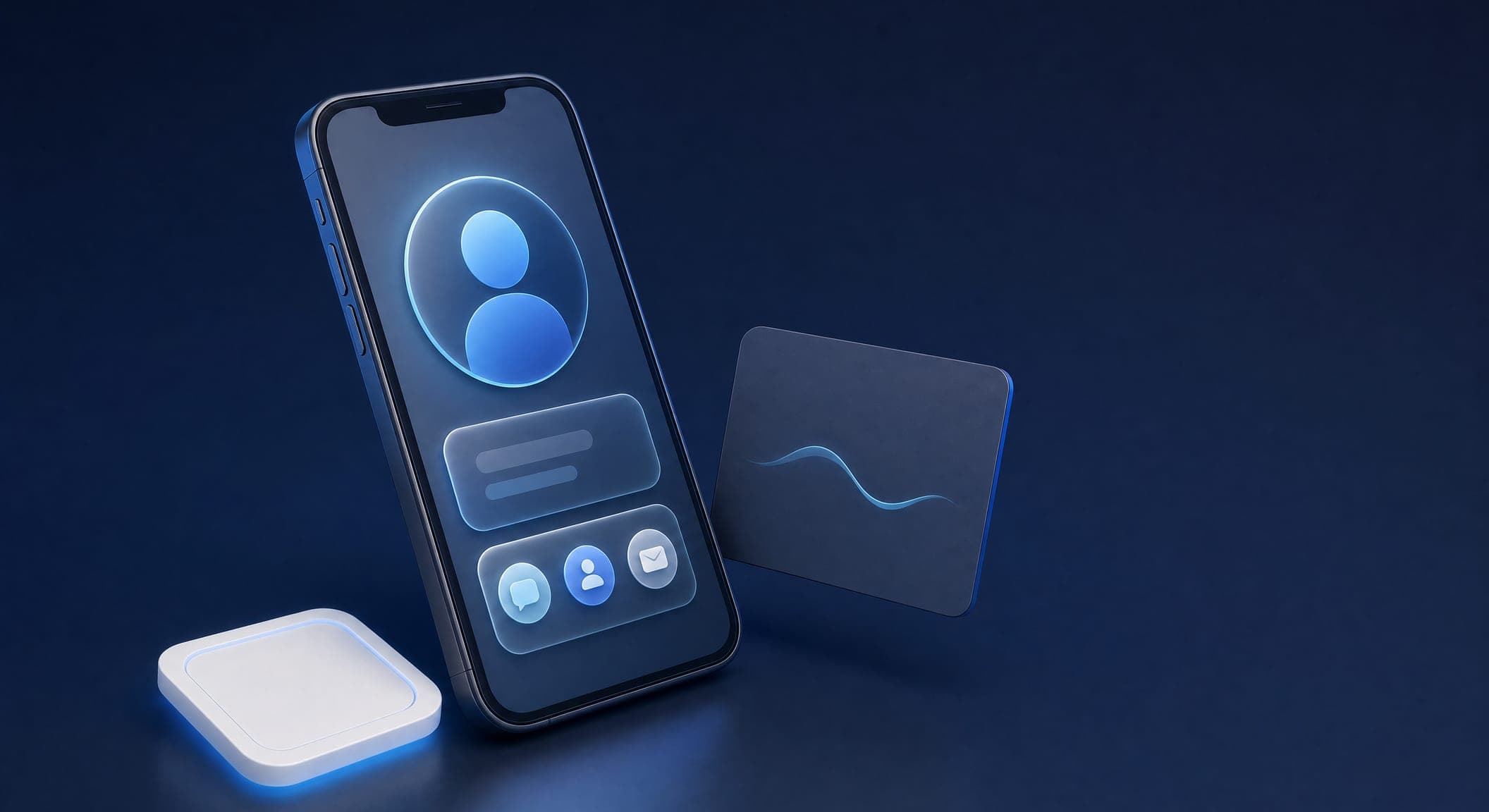
A digital business card is how businesses share their details in 2026: a single page on the customer's phone, with your phone number, WhatsApp, navigation and a form, saved to their contacts in one tap. Instead of a paper card that gets thrown away within a week, the customer gets an address that is always up to date. In this guide, we explain what a digital business card is, how an NFC card works and how it differs from a QR code, how to make a card in 5 steps, what determines the price, when a free card is enough, and what good cards look like by industry. This is our main article on the topic, and it links out to the detailed guides.
What is a digital business card?
A digital business card is a personal web page that brings all your contact details together in one place. It includes your name, job title, phone, email, links to your social networks and website, a WhatsApp button, Waze navigation, and sometimes a gallery, a video and a contact form. Every item opens with a single tap.
The card can be reached in three ways: a unique link (URL) you send in a message or an email signature, a QR code you print on any surface, and a physical NFC card that opens the page when tapped against a phone. Unlike a paper card, a digital card is saved on the customer's phone as a contact, so your details are still at hand months after the meeting.
Another advantage is measurement. A good digital business card shows how many people viewed it, how many tapped the phone button, how many visited your website and how many saved your details. A paper card will never tell you that.
The advantages over a paper card
The most obvious advantage is that it stays current. Changed your phone number? Moved offices? Added a service? With paper cards, you would have to reprint hundreds of them. With a digital card, one update is enough, and it shows up immediately for everyone who has the link.
The second advantage is the impression you make. When you hand over a paper card, the customer gets a name and a number. When you share a digital card, they get a designed experience: your logo, brand colors, a photo, and the option to save you as a contact instantly. The difference is especially noticeable in fields built on trust, such as law, real estate and finance.
There is also an economic and environmental angle. Reprinting cards is an expense that comes back with every change, and most printed cards end up in the trash. A digital card is built once and updated without printing. That said, a quality paper card still works well in a face-to-face meeting, which is why most businesses combine the two: a physical card with a QR code that leads to the digital card.
NFC technology: a business card in one tap
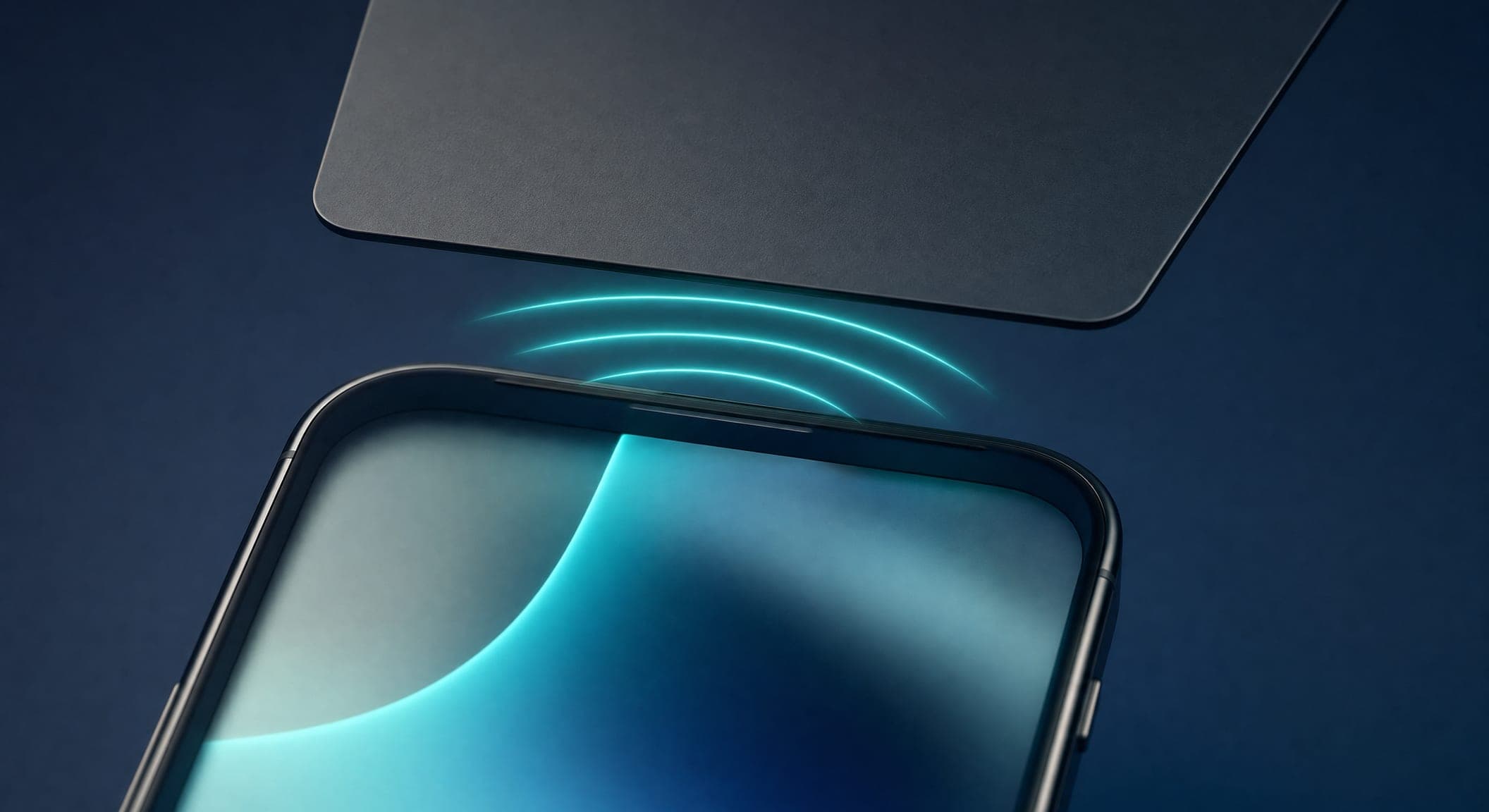
NFC (Near Field Communication) is a technology for transferring data between two devices just a few centimeters apart. It is the same technology used for tap-to-pay. An NFC card looks like a regular business card, but it has a tiny chip inside. When you bring it close to a phone, the phone automatically opens the address of your digital card, with no app and no scanning.
Which phones does it work on? Most Android devices from recent years read NFC tags by default. On iPhone, the XR and XS models and later read tags in the background (just hold the top of the device against the card); older models require an app. That is why it is worth printing a QR code on the NFC card as well, as a backup for any device.
NFC or QR? Both lead to the same digital card, but the experience is different:
- NFC is fast and impressive: one tap, no camera. It suits in-person meetings, conferences and a store counter. It requires at least one physical card.
- QR needs no accessory: you can add it to your email signature, signs, packaging and printed materials. It suits any place where the customer is not standing in front of you.
Our recommendation: use both. NFC for face-to-face moments, QR for everything else. Keep in mind that the NFC card itself is just a "key"; the value is in the page it opens, so your investment should go into the design and content of the digital card.
How to make a digital business card: 5 steps
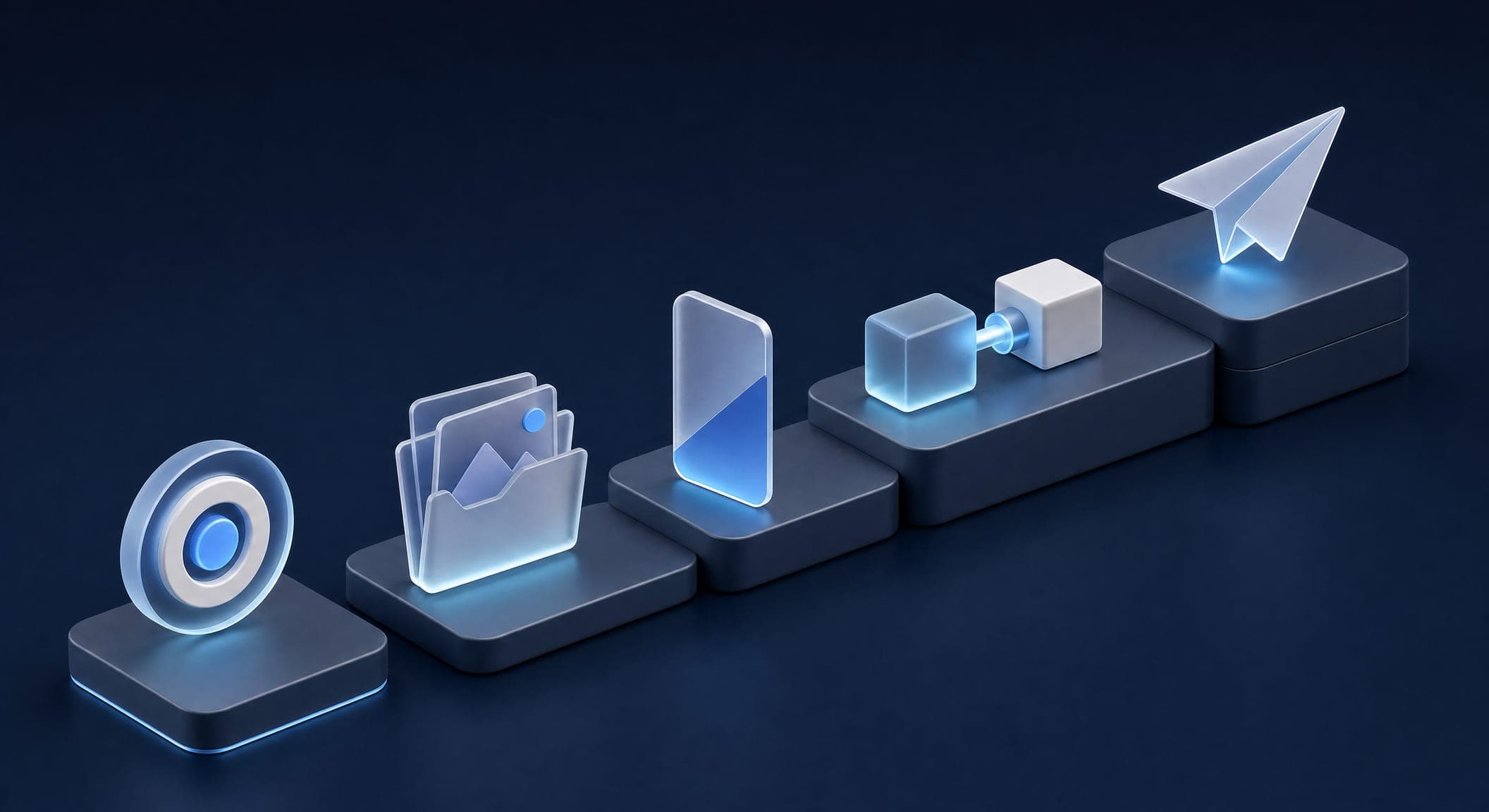
Many people ask how to make a digital business card. The process is similar on every platform; the difference is in the quality of the result:
- Define one goal. What action do you want from the customer: a call, a WhatsApp message, booking an appointment or filling out a form? That button will be the most prominent one on the card.
- Gather your materials. A good-quality logo, a professional profile photo, 3–6 photos of your work, an exact address for navigation, and links to the networks where you are actually active.
- Build the page. Recommended order: photo and name, job title and a one-sentence description, action buttons (phone, WhatsApp, navigation), gallery, form. Less is more.
- Connect the form to wherever leads are actually handled. Email, a CRM or WhatsApp. A form whose inquiries disappear is the most common mistake.
- Distribute it. Add the link to your email signature and your Instagram bio, print a QR code on your physical card, and order one or two NFC cards for meetings.
Before publishing, test the card on a phone, not on a computer. Most customers will see it on a 6-inch screen over a cellular connection.
Want to go through the five steps for real? In SimplyCard, the platform we built at Simple Web, you paste a link to your website or Instagram, the AI drafts a card in about 5 minutes, and you approve it before anything goes live. Building it is free; you pay only when you publish.
How much does a digital business card cost?
The price of a digital business card ranges from free to thousands of shekels, and the difference is in what you get: your own domain or the platform's address, a custom design or a template, a form connected to a CRM or just a phone button, and ongoing maintenance or "build it and forget it." In our full article on digital business card pricing, we break down the four price tiers on the market, the hidden costs that only surface after a year, and what is really worth paying for.
We price digital business cards by design and scope, so we give a quote after a short call rather than a one-size-fits-all price list. What to check in any quote: whether the card sits on your own domain, who updates it, and what happens to the link if you stop paying.
Free or paid: when each one fits
A free digital business card is a reasonable starting point for a freelancer who is just getting started: you get a page with your contact details on the platform's address. The hidden price comes later: the provider's logo on your card, an address that is not yours, limits on forms and measurement, and dependence on a provider that can change its terms.
A paid card pays for itself when the card is a sales tool and not just a contact page: when it has a gallery, a lead form, a CRM connection and full branding. The detailed comparison is in our article Free digital business cards: what you actually get and when to pay, including five steps for moving from a free card to a card of your own.
Examples by industry
A good card for a lawyer does not look like a good card for a fitness coach. In Digital business card examples: 10 cards by industry, we broke down ten cards by profession, with the buttons each one must have and the detail that sets it apart. For three fields, we have dedicated guides:
- Business cards for lawyers: combining a quality physical card with a digital card, a design that conveys seriousness, and what not to add.
- Digital business cards for real estate agents: a property catalog that stays up to date, a "What are you looking for?" form, and how to use the card at an open house.
- Digital business cards for jewelers: a gallery, a short video and a QR code on the packaging.
What they all have in common: a real photo, one prominent action button, and a form that reaches a person who answers.
Digital business cards and SEO: what a card does and what it doesn't
A digital business card is a web page, so Google can index it. In practice, this mostly matters for name searches: someone searching for your name or your business name may find the card in the results. A single card will not compete with a full website for phrases like "lawyer in Tel Aviv"; for that, you need a website with content pages.
What does help: the right title and description for the page, and structured data (Schema) that tells Google who you are, what the business is and where it is located. Google documents the structured data types it supports, and we implement them in every card. The rule: the card is a touchpoint and a reminder, and the website is the SEO asset. Each should point to the other.
What Simple Web does about it
Our digital business cards are built under the Studio 51 brand, which has also appeared on Channel 14. Every card is a single page with your phone number, WhatsApp, Waze navigation, a gallery, social links and a form that goes straight to your CRM. We have dedicated templates for real estate, fitness, beauty and cosmetics, law, finance, food, health, automotive, dentistry, barbershops, jewelry, hospitality, construction, home services, technology, artists and events, and every card is tailored to the business's design and colors.
We build the cards with AI, so the design and content are ready quickly, and people on our team make sure every button leads to the right place. The price is based on design and scope, in a quote after a short discovery call. Simple Web is an AI-first marketing agency from Bnei Brak, certified Meta partners and Google advertising experts, with 200+ clients and 35 five-star Google reviews.
Prefer to set up a card yourself? That is why we built SimplyCard: building is free, and you pay only when you publish the card.
Summary: a digital business card is a business tool, not a gimmick. It is always up to date, saved on the customer's phone, measurable, and works together with an NFC card or a QR code in any situation. If you are still carrying only paper cards, now is the time to add a digital version. Want to see what your card would look like? Get in touch and we will prepare a sample.
Sources
- Google Search Central – Introduction to structured data — how Google reads structured data (Schema) on a page
- WhatsApp Business Platform — a business WhatsApp button and connecting to conversations with customers