Business Cards for Electricians, Plumbers, Locksmiths and Handymen: What Wins Jobs in the Field
An electrician business card that wins jobs: what to write for each trade, magnets and QR stickers, a service area Google accepts, and what to leave off.
An electrician business card, or a plumber's or a locksmith's, gets tested in a single moment: when something breaks and the client is hunting for a number. They are not reading a story. They want to know whether you are available, whether you cover their area, and whether you can be trusted inside their home. In this article we set out what has to be on the card for each of the four trades, handymen included. We build a "field kit" of a magnet, a sticker and a QR code, explain how to word a service area that fits Google's rules, and finish with what is better left off.
What a client in the field looks for on a tradesperson's card
A client opening a tradesperson's card asks three questions, usually under pressure:
- Are you available? Now, today, or only next week.
- Do you come out to me? City, neighbourhood, area.
- Can I trust you? A licence where one is required, photos of real jobs, reviews.
Which is why a tradesperson's card is built differently from a clinic's or an office's. No long story is needed. What is needed is one main button, a clear service area and a short piece of proof.
Our decision rule for the main button: for urgent work, such as a locked door or an active leak, the first button is call. For planned work, such as an installation or a small repair, the first button is WhatsApp, because the client can send a photo and get an estimate without a call. A renovation contractor's card, with a before-and-after gallery, we showed in 10 examples of digital business cards by industry. Here we go down to four trades that work mainly at the client's place.
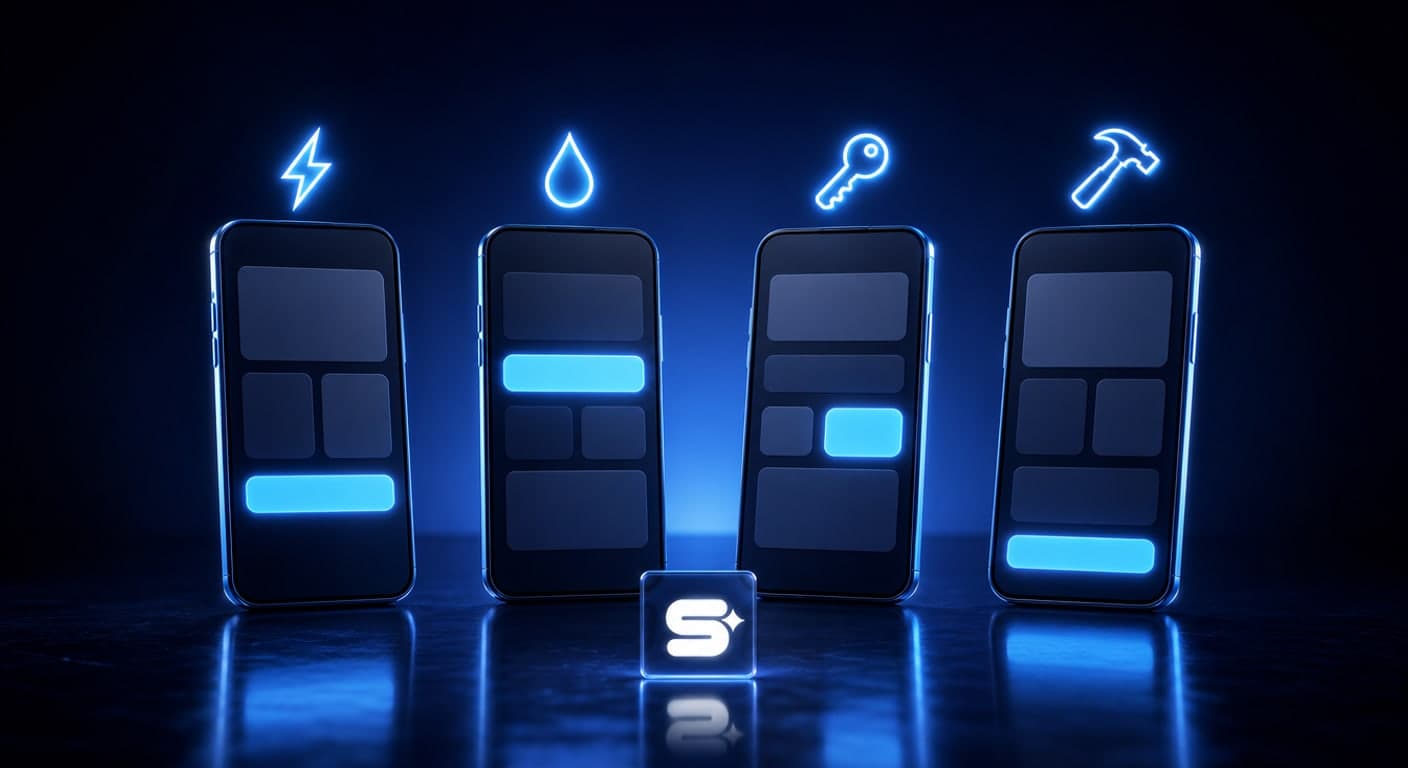
Electrician, plumber, locksmith, handyman: what changes on the card
| Trade | The first button | The block that closes the job |
|---|---|---|
| Electrician | Call for a fault, WhatsApp for planned work | The licence type and a list of jobs |
| Plumber | Call for a leak, WhatsApp with a photo | A list of jobs and photos |
| Locksmith | Call | Hours of availability and the area covered |
| Handyman | WhatsApp: "send a photo" | What you do, and what you do not |
Electrician. Here trust starts with the licence. The Electricity Law states in section 6(a) that a person shall not engage in carrying out electrical work unless he holds a licence from the Director for the issuing of licences for electrical work, permitting him to carry out work of that type. So put your licence type on the card, and under it a short list of the kinds of work you do, for example faults, electrical panels and installations.
Plumber. Most enquiries start with a photo of a leak or a blockage. A ready-written WhatsApp message such as "Hello, I have a leak, photo attached" saves a whole explanatory call. Under the buttons, three to six photos of real jobs.
Locksmith. The client is standing in front of a locked door. They need to see the call button, the hours you are available and the areas you cover, immediately. Write "available at night" only if you genuinely answer at night. The advantage of a digital card is easy to exploit here: you change your hours of availability on the card without reprinting anything.
Handyman. The client is not sure their job "counts". A list of the jobs you do, and of the jobs you do not do, answers that. Pay particular attention to electrics: the law defines "electrical work" as the installation, inspection, alteration, repair or dismantling of an electrical installation. Without a licence, do not put work like that on the list.
A field kit: a magnet, a sticker and a review after every job
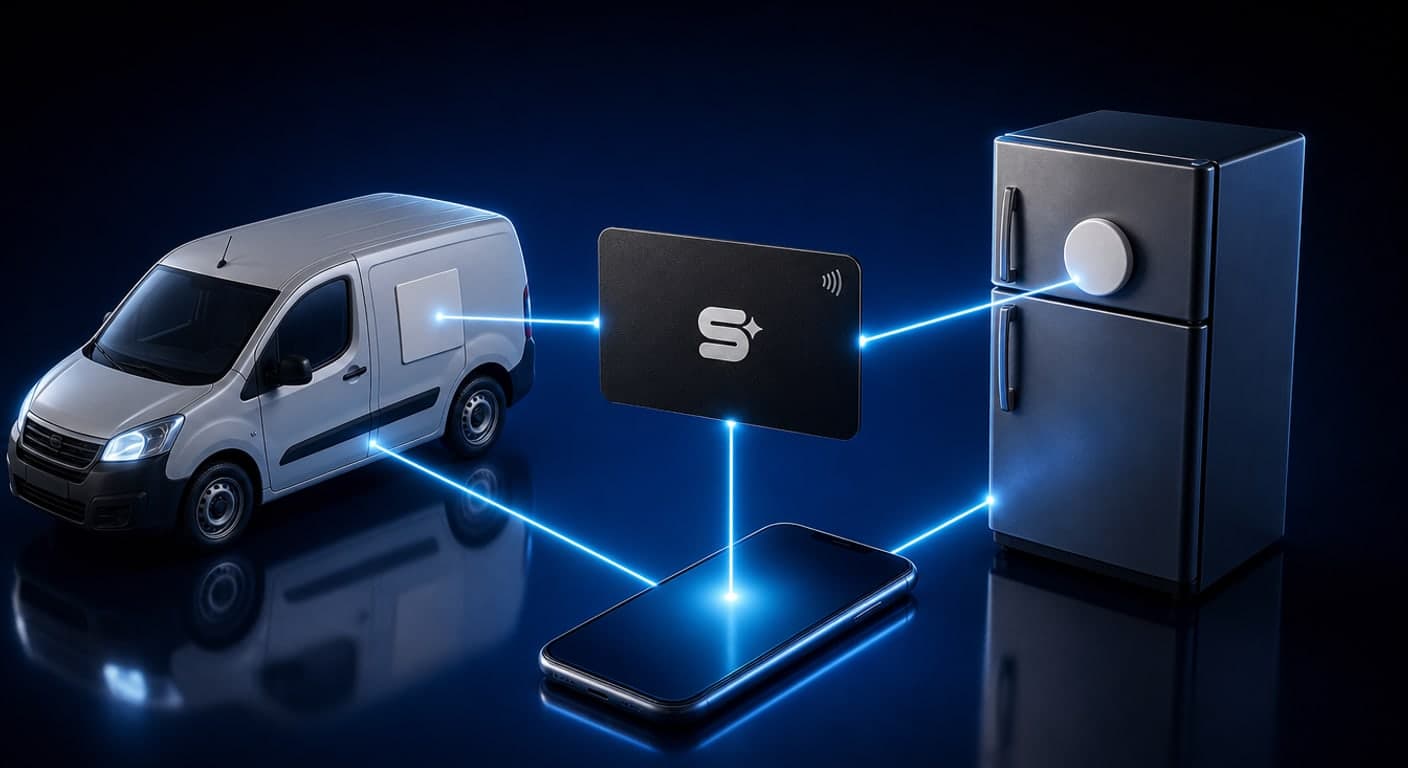
A good tradesperson gets the next job from the same client, or from their neighbour. Our field kit exists for one purpose: so that next time, the client finds you without searching Google.
- A fridge magnet with a QR code and a phone number. The fridge is where people look for a tradesperson's number next time. An electrician can also stick a small label near the electrical panel, with the client's agreement.
- A sticker on the work van. A QR code is hard to scan on a moving vehicle, so the phone number and the business name need to be large and legible. The QR code earns its place on a van parked next to a job site.
- An NFC card in your pocket. At the end of the job the client holds their phone to the card, the digital card opens, and they save you as a contact. How NFC works and on which phones, we explained in the complete guide to the digital business card.
- A request for a Google review. According to Google's help centre, your Business Profile lets you create a link or a QR code asking customers to write a review. Send it on WhatsApp right after a job that ended well, and add it to the card as a button.
How to create a QR code that will not "die" after it has been printed on a hundred magnets, and what size to print it at, we set out in the guide to the QR code on a business card.
No digital card yet for the QR on the magnet to open? You can start with SimplyCard, a platform we built at Simple Web: paste a link to your website or business page, and the AI drafts a card in about 5 minutes. Building it is free; you pay only when you publish the card.
Service area: writing it the way Google asks
Most tradespeople do not receive clients at a fixed address, they travel to them. Google's guidelines for businesses like that are clear. First, a business that goes out to customers and does not receive them at its own address should hide its business address from customers. Second, the boundaries of the profile's service area should not extend farther than about 2 hours of driving time from where the business is based, and Google adds that for some businesses a larger service area may be appropriate.
What that means for the card:
- Write cities and areas, not "the whole country". For example: "Holon, Bat Yam, Rishon LeZion and the Gush Dan area". That is clear to the client, and consistent with the profile.
- The same area everywhere. On the card, on the Google Business Profile and in your ads. Inconsistency confuses customers.
- A home address does not go on the card. If you work from home, a navigation button will only get in the way.
How a Google Business Profile, the reviews and the service area work together to get you onto the map, we explained in our guide to local SEO.
What is better left off a tradesperson's card
- "Available 24/7" when you do not answer at three in the morning. One client who got no answer remembers it.
- "Cheapest in the country" or "unbeatable prices". It attracts the wrong clients, and says nothing about quality.
- Work you are not licensed to carry out. See what we wrote about electrics.
- A list of thirty services. Six jobs you are best at is better.
- Testimonials with no name and no source. A link to your Google reviews is more convincing.
- A number nobody answers. If you are in the middle of a job, WhatsApp with a short auto-reply beats a call that goes unanswered.
What Simple Web does about it
Simple Web is an AI-first marketing agency from Bnei Brak, certified Meta partners and Google advertising experts, working with 200+ businesses and holding 28 five-star Google reviews. We build our digital business cards under Studio 51, Simple Web's digital business card brand. Among the cards we have designed there are categories for construction and industry and for home services and maintenance.
Every card includes a WhatsApp button, call, navigation in Waze or Google Maps, a photo and video gallery, save-contact, sharing, and a lead form whose enquiries reach you by email. With every card you get a branded PVC NFC card, which means part of the field kit is already in your pocket. The card is ready within up to 14 business days from the moment we have received all the materials. Changes during the first 14 days after launch are free of charge, and after that ₪200 per working hour. The price is given as a quote based on scope, after a free diagnostic call.
Prefer to build it yourself? In SimplyCard you set up the card on your own, without paying, and decide whether to publish it only once it looks the way you want.
Summary
A business card for an electrician, a plumber, a locksmith or a handyman has to answer three questions fast: availability, area and trust. For urgent work the first button is call, and for planned work it is WhatsApp with a photo. A magnet, a sticker and an NFC card bring in the next job, and a service area consistent with your Google profile helps new clients understand that you come out to them. Want a card built for work in the field? Book a free diagnostic call.
Sources
- Electricity Law, 5714-1954 (Wikisource): section 6(a) on the licence requirement for electrical work, and the definition of "electrical work" in section 1
- Google Business Profile Help: Guidelines for representing your business on Google: hiding the address for a business that serves customers at their location, and a service area of up to about 2 hours of driving time, with an exception for businesses that need a larger one
- Google Business Profile Help: Create a Google link or QR code to request reviews: creating a link or QR code for review requests
Tags:
Recent posts