Linktree or a Digital Business Card? When a Link in Bio Is Enough, and When a Business Needs More
Linktree or a digital business card? The real difference, what Linktree offers today, when a link in bio is enough for a business, and how to combine both.
Linktree is one of the most common tools for putting several links behind a single link in an Instagram or TikTok bio. Plenty of businesses ask whether it is enough for them, or whether they need a digital business card. The answer depends less on a feature list and more on one question: where do your clients come from, and what do you want them to do. In this article we explain the difference between the two, what Linktree offers according to its pricing page today, when a link in bio is enough, when a business needs a card, and how to combine the two without losing clients along the way.
What Linktree is, and what a digital business card is
Linktree is, according to Wikipedia, an Australian company founded in 2016 that provides landing pages for social media. In practice it is one page holding a list of links, whose address goes in the bio. The company itself presents it on its pricing page as a way to use one link to share everything you create, curate and sell from your profiles on Instagram, TikTok, YouTube and other networks. In other words, the starting point is traffic from social.
A digital business card is one page built around getting in touch with the business: call, WhatsApp, navigation, save-contact, gallery and form. You share it as a link, as a printed QR code or as an NFC card. Its starting point is the moment after a meeting, a recommendation or a search, when someone wants to reach you. The full detail is in the complete guide to the digital business card.
Both tools are a single page on a phone, which is why they are easy to confuse. The difference is not in the technology, it is in what the page was built to do.
Linktree vs a digital business card: the difference in a table

| Linktree | Digital business card | A small website | |
|---|---|---|---|
| Built around | Links from social to content, a shop and platforms | Getting in touch: a call, WhatsApp, navigation | A full explanation of the business and its services |
| The central action | Tapping one of several links | One main button | Reading, then getting in touch |
| How people reach it | A bio on social | QR, NFC, WhatsApp, a bio | Google search, ads |
| What to check | The address, the branding, what each plan includes | Ownership of the address, save-contact, Hebrew | Cost, maintenance, content |
Note that the table compares what each tool was built to do, not a feature list. Linktree offers forms and detail collection too, and a digital business card can hold links to social networks. On the difference between a page on a social network and a real website, we wrote in a brand website vs a business page.
What Linktree offers today, according to its pricing page
We checked Linktree's pricing page on 17 September 2026. This is what appeared on it:
- Four plans: Free, Starter, Pro and Premium, plus a plan for agencies and organisations at custom pricing.
- The free plan includes unlimited basic links.
- The paid plans were shown in US dollars: Starter at $6 a month billed annually or $8 billed monthly, Pro at $12 or $15, and Premium at $30 or $35. That is what was displayed in our check, and the currency and the price you see may differ.
- Pro includes, among other things, customisation of themes, fonts and layouts, advanced analytics, and a connection to mailing lists.
- The products menu also lists contact forms for collecting leads, a QR code generator and appointment booking.
Prices and plans change, so check the page before you decide. Our conclusion: the feature lists of these tools are converging. Which means the decision should rest on the question of what the page needs to do in your business, not on the question of who offers more buttons.
When a link in bio is enough, and when a business needs a card
A link in bio like Linktree is enough when:
- Most of your clients come from one social network, and that is where they decide.
- You have many destinations of equal weight: a podcast, a channel, a shop, a course.
- You are a content creator, not a business fielding service enquiries.
- There are no face-to-face meetings, and no need for a printed card.
A business needs a digital business card when:
- Clients meet you in a shop, a clinic, on a job site or at a conference, and need to save you.
- The important action is getting in touch: a call, WhatsApp, or arriving at an address.
- Saving a contact matters. A good card downloads a vCard file, the standard contact format under RFC 6350, so the client can still find you in their contacts a year later.
- The link will be printed on cards, magnets or signs, which means the address needs to be under your control.
- The brand matters, and the page needs to look like the business, in full Hebrew, rather than like a template.
Our decision rule: if the client's first question is "where do I see more?", a link in bio answers it. If the question is "how do I talk to you?", you need a card. Two examples: a pastry chef selling online workshops and publishing recipes on YouTube will do perfectly well with a link in bio. A beautician receiving clients in a clinic needs a card, because her client wants to book, navigate and save the number. And if you are still weighing up whether a free tool is enough, read free versus paid digital business cards.
Want to try it yourself before you decide? Simple Web also has a card platform: SimplyCard, where you build a card yourself with AI. Building it is free, and you pay only when you publish the card. As with any tool, it is worth checking who controls the address and what happens to the page if you stop paying.
How to combine them: the card in the bio, the links on the card
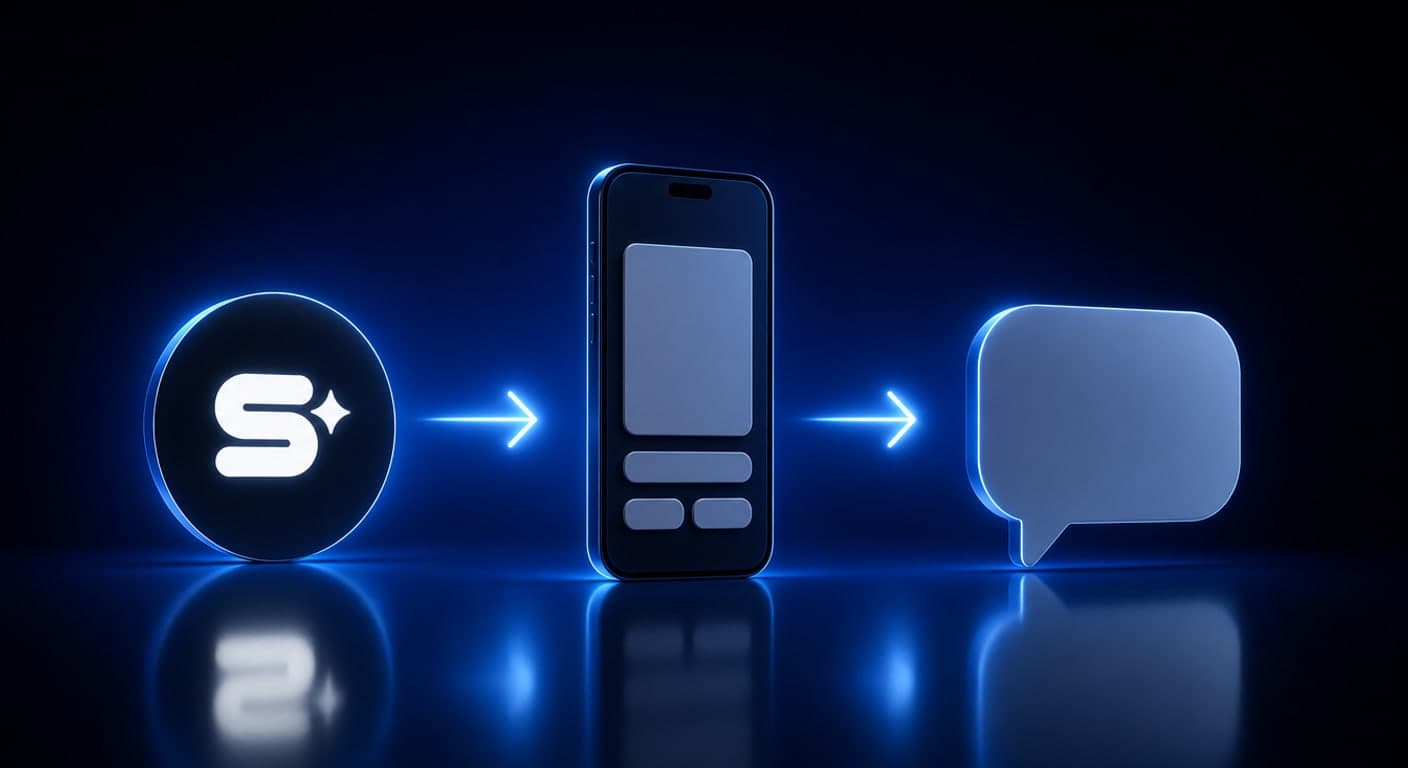
Most service businesses do not need to choose. They need an order of operations:
- The digital card goes in the bio. Anyone arriving from Instagram lands on a page with a WhatsApp button, navigation and save-contact on it.
- The links to your social networks go on the card, in the lower section, below the action buttons.
- No chain of pages. A bio leading to Linktree, leading to the card, leading to WhatsApp, adds taps. In our experience, every unnecessary tap along the way is a place where people drop off.
- The same link everywhere: bio, email signature, WhatsApp status and printed QR code. That way there is one address to update.
Three mistakes we see in combining them:
- An external platform's link printed on cards. On the day you leave the platform, the printed material leads somewhere else. Whatever gets printed should lead to an address under your control.
- One link in the bio and a different one on WhatsApp and in the signature. It is hard to tell what is working, and every update has to happen in several places.
- A page with fifteen buttons all the same size. The important action, a call or WhatsApp, gets lost among links to old posts.
Which network suits your business and how to measure what comes from it, we explained in social media marketing in 2026. And if you are choosing a card provider, use the 12 checks for choosing a digital business card.
What Simple Web does about it
Simple Web is an AI-first marketing agency from Bnei Brak, certified Meta partners and Google advertising experts, working with 200+ businesses and holding 35 five-star Google reviews. We build our digital business cards under Studio 51, Simple Web's digital business card brand, and to date we have designed more than 300 cards.
Every card includes a WhatsApp button, call, navigation in Waze or Google Maps, a photo and video gallery, save-contact, sharing, and a lead form whose enquiries reach you by email. With every card you get a branded PVC NFC card. The card is usually ready within 3 to 5 business days from the moment we have received all the materials. Changes during the first 14 days after launch are free of charge, and after that ₪200 per working hour. The price is given as a quote based on scope, after a free diagnostic call, in which we will also check whether a simple link in bio is genuinely not enough for you.
Prefer to build the card yourself? In SimplyCard, Simple Web's own platform, you build one on your own for free, and pay only when you publish it.
Summary
Linktree and a digital business card look alike, but they were built for different jobs. Linktree gathers links for traffic coming from social, while a digital business card is built for getting in touch, for saving a contact, and for use outside social too, through a QR code and an NFC card. Content creators usually manage fine with a link in bio. A business that provides a service and meets clients needs a card, and can put it in the bio. Want to work out which is right for your business? Book a free diagnostic call.
Sources
- Wikipedia (Hebrew): Linktree: an Australian company founded in 2016 that provides landing pages for social media
- Linktree: Pricing: the plans, the prices in US dollars and the features as they appeared on 17 September 2026
- RFC 6350: vCard Format Specification: the standard for the contact file that a good card downloads