Business Cards for Beauticians, Makeup Artists and Nail Technicians: What Belongs On Them
A business card for beauticians, makeup artists and nail techs: what changes on each one, a checklist of what to write, gallery consent, QR and NFC.
A business card for beauticians is no longer just a name and a phone number on paper. A client who found you on Instagram, or was handed a card at the counter, wants to see your work, understand roughly what it costs and book an appointment without making a call. In this article we set out what has to be on the card, and what changes between a beautician, a makeup artist and a nail technician. We add a checklist of what to write, how to show before-and-after photos with consent, and how the printed card works together with the digital one: a QR code on the counter and an NFC tap that saves a contact and asks for a Google review.
What a beautician's business card has to do, and what it does not
The card has one job: to answer five questions within ten seconds. Who you are, what you do, where you are, roughly what it costs, and how to book. Anything that does not help answer those five slows the decision down.
A card is not a second Instagram. Instagram shows your work, but prices, an address and booking get buried there between posts. The card gathers all of it into one link that goes in your bio, in your WhatsApp status and into a printed QR code.
The card is also not a campaign landing page. Our decision rule: if you are running paid advertising, the ad should lead to a page with an embedded appointment calendar, the way we described in a landing page with an appointment calendar for beauticians. A client who has already met you, got a recommendation from a friend or is standing in front of you at the counter, on the other hand, needs a card. Most clinics need both.
A short example of a beautician's card, alongside nine other professions, is in 10 examples of digital business cards by industry. Here we go down to the level of detail that the beauty world needs.
Beautician, makeup artist, nail technician: what changes on the card
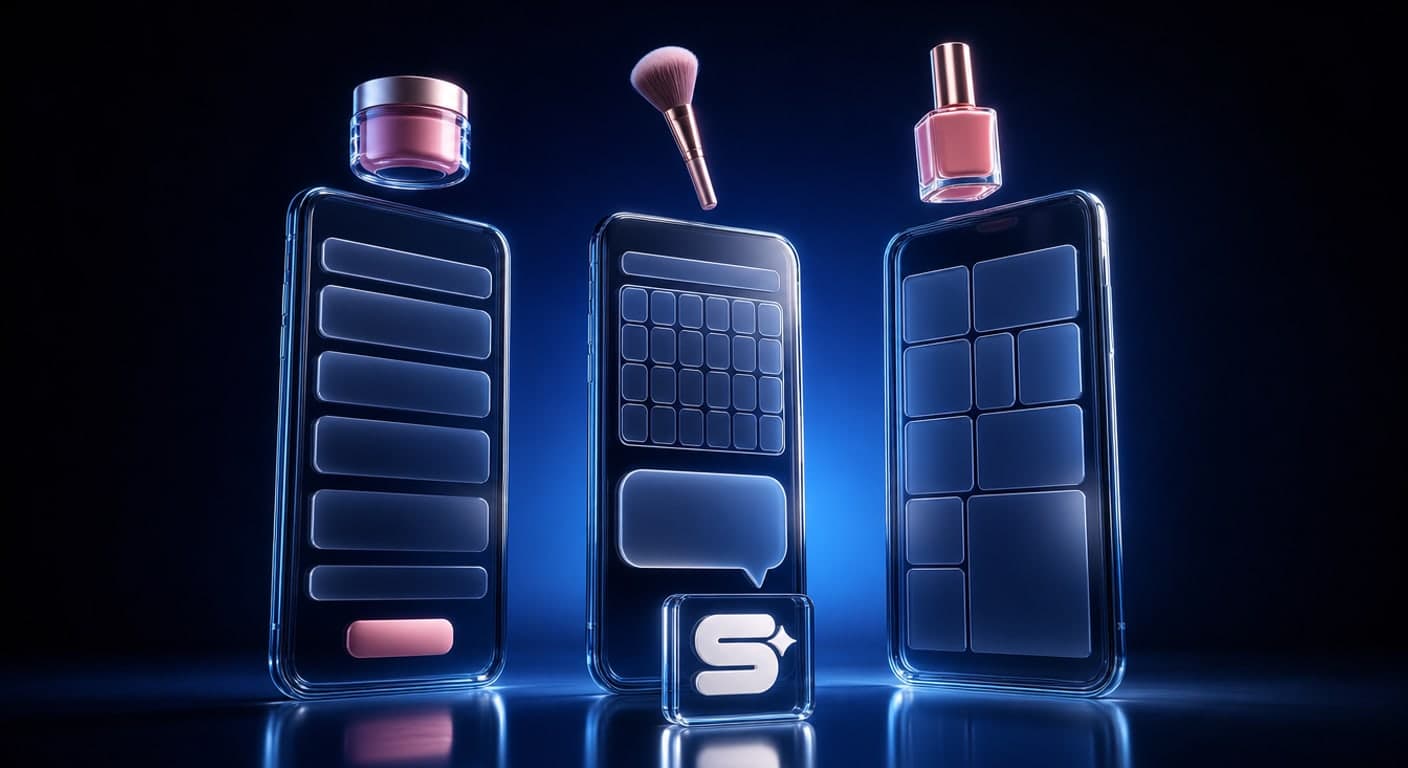
The three professions sound close to each other, but each one's client is looking for something different. So the card is built differently too.
| Beautician | Makeup artist | Nail technician | |
|---|---|---|---|
| The main button | Book in the calendar | WhatsApp with the event date | Gallery, then WhatsApp |
| The block that closes the deal | Treatments with duration and a "from" price | Bridal and event packages, areas covered | Real work, sorted by type |
| What to leave out | Promises of a result | A price for every small add-on | Dozens of photos in no order |
Beautician. The client is comparing treatments and looking for trust. A short list of treatments, with duration and a "from" price, answers most of the questions that would otherwise have arrived on WhatsApp. If you work with a booking system, the main button leads there. If you do not, the main button is WhatsApp.
Makeup artist. Most enquiries are for an event on a specific date. So a WhatsApp button with a ready-written message, something like "Hi, looking for makeup for an event on this date:", saves several messages back and forth. Write down which areas you travel to, and whether there is a trial before the event.
Nail technician. Here the picture does the selling. The gallery moves to the top of the card, above the text, sorted by type of work: gel polish, extensions and nail art. Underneath it a short price list, and only then a button.
What to put on a beautician's business card: a checklist
- Name, profession and city on one line. Write a professional title only if it genuinely belongs to you.
- An exact address and a navigation button. A Waze navigation link is built on the waze.com/ul address, and according to Waze's documentation it opens as a web page even when the app is not installed. Add the floor, the parking and how to get in, and save yourself the "how do I find you?" call.
- Treatments with a "from" price. Three to eight treatments, not everything you have ever done.
- Opening hours, including evenings and Fridays if you work them.
- One main button: the calendar, or WhatsApp with a ready-written message. Every other button is smaller than it.
- Save-contact, so the next appointment starts from the contacts list and not from a search on Instagram.
- A link to Instagram, as a link and not as an embedded feed that slows the page down.
- A cancellation policy in one line.
- A Google reviews button that leads straight to writing a review.
- A short form for questions, for the hours when you are in the middle of a treatment. A name, a phone number and one question are enough. A form collects personal information, so it is worth knowing Amendment 13 to the Privacy Protection Law.
Gallery and before/after: showing your work without getting into trouble
In the beauty world the gallery is the main proof. Which is exactly why it is worth building it properly.
Consent before anything else. The Privacy Protection Law states that a person's privacy may not be infringed without their consent. Among the cases the law lists as an infringement of privacy: "use of a person's name, appellation, picture or voice, for profit" (section 2(6)). A photo of a client on a card whose purpose is to bring in clients comes very close to that definition. So ask for written consent before the photo is taken, and keep it. A close-up of nails with no face reduces the problem, but a short question before shooting is still the right move. We are not lawyers, and the wording of a consent form is worth getting advice on.
Consistent photography. Before and after in the same light, at the same angle and against the same background. Otherwise the comparison does not convince anyone.
Fewer photos, more speed. Our recommendation: 6 to 12 photos, sorted by type of treatment. According to Google's web.dev, the largest element on the page should load within 2.5 seconds at most, and heavy images are the common reason for going over. Compress every photo before you upload it.
Refresh it every month or two. A gallery showing work from two years ago signals a business that has not moved on.
The printed card: a QR code on the counter, NFC for saving and for a Google review
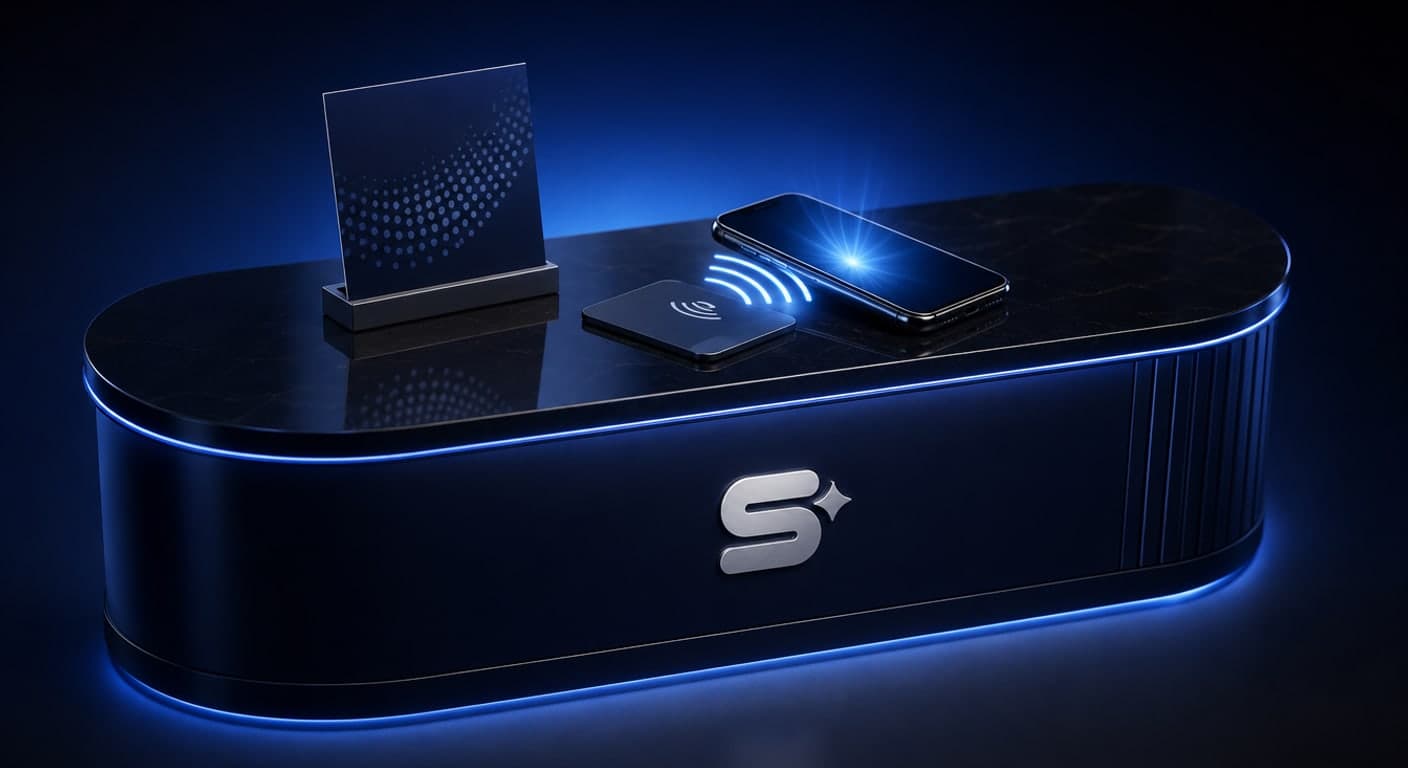
In a clinic the printed card still works. It goes into the bag with the product, it stays on the counter, and it passes from a client to a friend. What has changed is its job: it does not need to hold everything, it needs to lead to the digital card.
On one side, your name, profession and phone number. On the other side, a QR code that leads to the digital card, with a short line such as "Scan for the gallery and to book".
An NFC card on the counter. At the end of the treatment the client holds her phone to the card, the digital card opens, and she saves you as a contact. Which phones read NFC, and why a QR code is worth keeping as a backup, we explained in the complete guide to the digital business card.
A Google review in that same moment. Your Google Business Profile lets you create a link or a QR code that asks customers to write a review. According to Google's help centre, in the English interface you go to Read Reviews and then to Get more reviews, and a reviews QR code can currently only be generated from a computer browser. Put that link on the digital card as a button. Note that Google prohibits offering a discount or a free treatment in exchange for a review.
What Simple Web does about it
Simple Web is an AI-first marketing agency from Bnei Brak, certified Meta partners and Google advertising experts, working with 200+ businesses and holding 28 five-star Google reviews. We build digital business cards under Studio 51, Simple Web's digital business card brand, and beauty and cosmetics is one of the categories among the cards we have designed. Every card includes a WhatsApp button, call, navigation in Waze or Google Maps, a photo and video gallery, save-contact, sharing, and a lead form whose enquiries reach you by email. With every card you get a branded PVC NFC card, exactly the kind you leave on the counter.
The card is ready within up to 14 business days from the moment we have received all the materials. Changes during the first 14 days after launch are free of charge, and after that ₪200 per working hour. So if your gallery or your price list changes often, it is worth planning that with us in advance. No logo yet? For card clients we design a logo at a special price. We give the price of the card as a quote based on scope, after a free diagnostic call. And if you are comparing providers, we have gathered 12 checks for choosing a digital business card.
Summary
A business card for beauticians has to answer quickly: who, what, where, how much and how to book. A beautician leads to the calendar, a makeup artist to WhatsApp with the date, and a nail technician starts with the gallery. Photos of clients go up only with consent, and the printed card leads to the digital one through a QR code and NFC. Want to build a card that fits your clinic exactly? Book a free diagnostic call.
Sources
- Waze Deep Links: the structure of a Waze navigation link, and its opening as a web page when the app is not installed
- Google Business Profile Help: Create a Google link or QR code to request reviews: how to create a link or QR code for review requests, and that the QR code is currently generated only on a computer
- Google Business Profile Help: Tips to get more reviews: the prohibition on offering incentives in exchange for reviews
- web.dev: Web Vitals: the 2.5-second threshold for a good LCP
- Privacy Protection Law, 5741-1981 (Wikisource): section 1 (no infringement of privacy without consent) and section 2(6) (use of a picture for profit)
Tags:
Recent posts