Logo Animation for a Business: Where an Animated Logo Works, Which Files You Need, and When to Do It Yourself
Logo animation for a business: where an animated logo works and for how long, which file each use needs, how not to slow your site, and when to hire out.
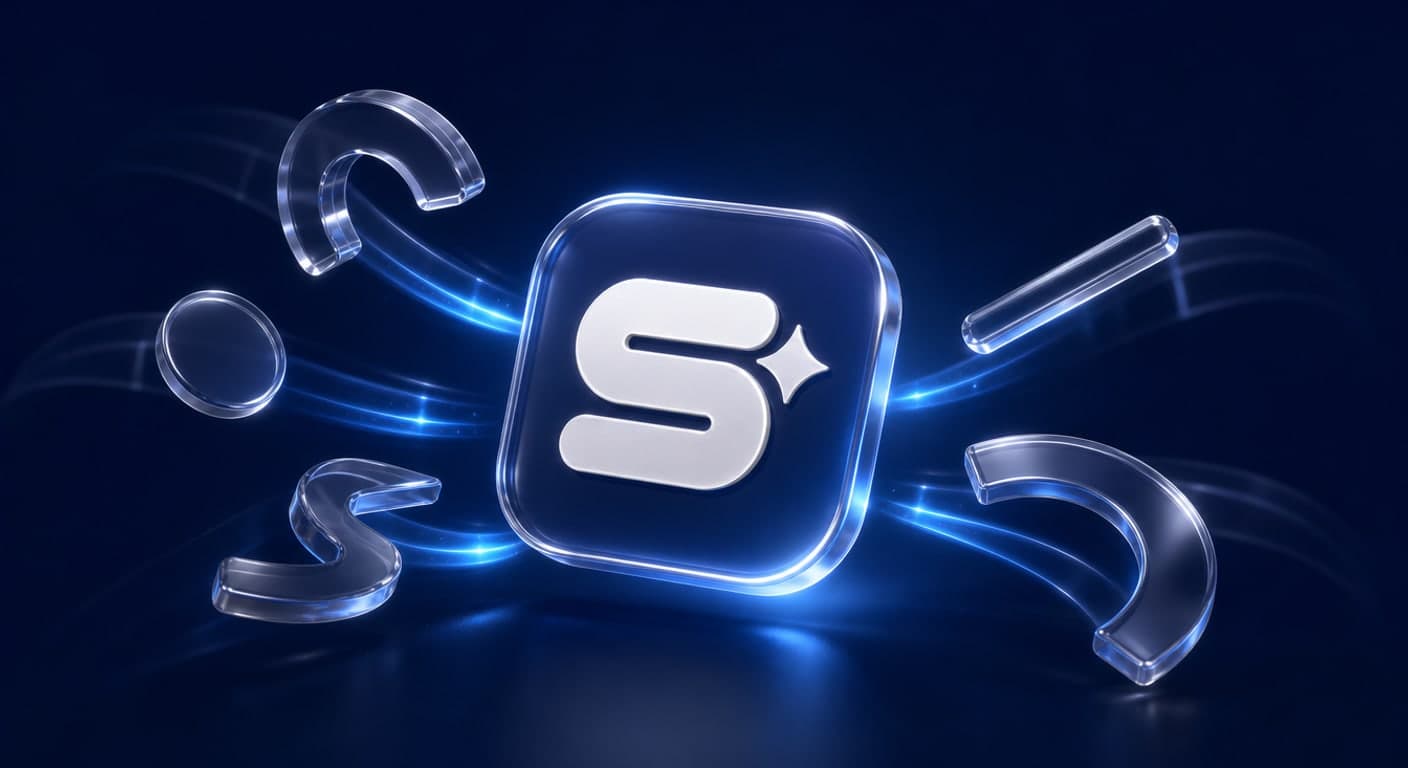
Logo animation for a business sounds like another trend, but it solves a real problem. A static logo gets swallowed in a feed full of video, while a logo that enters with two or three seconds of movement is remembered. On Google you will mostly find three-step guides for Canva and AI tools promising an animated logo in a minute. None of them answers the questions that come afterwards: where the logo will run, for how long, and which file each place needs. In this article we go through the uses, the table of file formats, what matters on a website, and the difference between doing it yourself and hiring a motion designer.
Where an animated logo is used, and for how long
An animated logo is worth something only if you know where it will appear. In our experience, these are the places where it genuinely works:
- An opener or a closer for reels and short videos. Two to three seconds, no more. At the start, a long logo makes people scroll on, which is why it is usually better placed at the end. We wrote about the structure of a reel that holds attention in reels for business.
- The end of a video ad. The logo comes in, and with it the phone number or the address. Here it reinforces memory of the brand after the message has already landed.
- The website. A short animation in the page header, or a micro-movement when you hover over the logo. Carefully, as we set out below.
- An email signature. A short, subtle loop, or nothing at all.
- WhatsApp status and stories. Vertical, short, and without small text that cannot be read on a phone.
- Presentations, event screens and broadcasts. Here you can afford a little more time, because the audience is already watching.
Mistake #1: commissioning one ten-second animation and trying to use it everywhere. Better to have one long version and one short version of two to three seconds.
Which files you need: a format for every use
This is the part most guides skip, and it is where good work turns into a file that does not work.
| Use | Recommended format | Why |
|---|---|---|
| Reels, stories, status | Vertical MP4 with a solid background | Supported on every platform |
| Video editing and ads | MOV or WebM with an alpha channel | Lets you place the logo over any footage |
| Website | Lottie or animated SVG | A light file, sharp at any size |
| Email signature | A small GIF | Most mail clients do not play video |
Two important notes. First, a plain MP4 does not preserve a transparent background. An editor who receives only an MP4 will get your logo on a coloured rectangle. Second, even a transparent video does not look transparent everywhere. According to MDN's web video codec guide, Safari does not support alpha transparency in WebM's VP8 and VP9 codecs. In other words, on an iPhone your transparent logo on the website may show up with a background behind it.
In the GIF for your email signature, make sure the first frame is the complete logo. That way, even if the animation does not play, the recipient sees the logo. And if you do not yet have a vector file of the logo itself, that is step one. The list of files every logo needs is in logo design for a business.
An animated logo on a website: speed and accessibility
On a website, logo animation can help or hurt. Three rules:
A light file. A heavy MP4 in the page header slows loading down. Lottie, by contrast, is a library that plays animations created in After Effects and exported as a JSON file. In our experience, for a simple logo animation the file is far lighter than a video of the same length, and it stays sharp at any screen size. Why loading speed matters to Google and to visitors, we explained in testing your website's speed.
Respect the "reduced motion" setting. According to MDN, the prefers-reduced-motion feature detects a user who has set a preference on their device for a minimum of non-essential motion. A site that respects it shows those people the static logo.
No flashing. According to MDN, the WCAG accessibility standard addresses, in criterion 2.3.1, flashing more than three times per second, and notes that flashing in saturated red is especially dangerous. So a logo that flashes or flickers does not go on a website, and preferably not into videos either.
Our decision rule for a website: an animation that runs once, under two seconds, and comes to rest on the static logo. No infinite loop.
Do it yourself in Canva or with AI, or go to a motion designer?
There are three ways to create an animated logo, and each has its place:
| Route | What you get | What you give up |
|---|---|---|
| Canva or a similar tool | Ready-made animations in a few clicks | Movement thousands of other businesses use, limited control over timing |
| An AI video tool | A dramatic result from a still image of the logo | Letters, and Hebrew in particular, may be distorted; hard to reproduce the same result twice |
| A motion designer | Movement derived from the shape of the logo, files for every use | Time and cost |
When doing it yourself is enough: a business at the very beginning, a one-off post, or a test of whether an animated logo suits you at all. When AI fits: a video in which the logo is part of a scene, not the fixed signature of the brand. In our experience, AI video tools struggle to preserve the shape of letters, and on a Hebrew logo that shows immediately. Check every frame. We wrote about the strengths and limits of AI in logo design in AI logo design, and about AI videos for marketing in AI images and videos for marketing.
When a motion designer: when the animation will run in every video and every ad for years to come. This is the brand's signature, and it should be yours rather than a template.
What logo animation costs, and what moves the price
Let us be honest: we did not find a published, reliable Israeli price list for logo animation that we could quote. So we will not give a price range here. What we can say is what moves the price, so that you can compare quotes:
- Length. Two seconds as a signature is a different job from ten seconds with a story.
- Style. Simple two-dimensional movement, versus depth, materials and light in 3D.
- Sound. A brand sound that accompanies the logo is a separate piece of work.
- The number of versions. Vertical, horizontal, transparent, Lottie and GIF are five different outputs.
- The source file of the logo. A vector logo split into layers saves time. A single JPG means rebuilding it.
- Rounds of revisions. And what happens once they run out.
Ask every supplier which files you will receive at the end, and whether the working file, in After Effects for instance, is handed over as well.
A brief for the animator: 8 things to prepare in advance
A good brief saves an entire round of revisions. Prepare:
- A vector logo file (SVG, AI or vector PDF), including a transparent version.
- A list of uses: where the logo will run, according to the list above.
- Lengths: a short version and a long version, in seconds.
- Three words about the character of the movement: calm, precise or cheerful, for example.
- Examples: two or three animations you liked, and one you do not want.
- Colours and backgrounds: which backgrounds the logo will appear on.
- Sound: yes or no, and if yes, in what character.
- A list of files to receive: according to the format table.
What Simple Web does about it
Simple Web is an AI-first marketing agency from Bnei Brak, certified Meta partners and Google advertising experts, working with 200+ businesses and holding 28 five-star Google reviews. In video production we work from a script, through filming in our own studio in Bnei Brak, all the way to editing, graphics and subtitles. We produce brand, product and reel videos and animation, and we use AI tools to cut time and cost. When there is nothing to film, we create animation and motion graphics with AI tools, at a lower cost than classic hand-drawn production.
Animation is priced with us by length and complexity, so its price is given as a quote based on scope. Videos for social, which are a different product, start with us at ₪1,500, and a short video is ready within 3–5 working days. From a single shoot we produce a version for every platform. It all starts with a free diagnostic call.
Summary
Logo animation works when you plan it around the use: two to three seconds for reels and ads, a light one-off animation on the website, and a small GIF for email. Ask for a separate file for each use, including a transparent version and a Lottie. On the website, respect the reduced-motion setting and avoid flashing. Canva and AI suit a test and a one-off use; for the brand's fixed signature a motion designer is better. Want to see how your logo would look in motion and which files you would actually need? Book a free diagnostic call with us.
Sources
- MDN: Web video codec guide: Safari does not support alpha transparency in the VP8 and VP9 codecs
- Lottie for Web (Airbnb, GitHub): what Lottie does: plays After Effects animations exported as JSON
- MDN: prefers-reduced-motion: detecting a user who has asked for a minimum of non-essential motion
- MDN: Web accessibility for seizures and physical reactions: WCAG criterion 2.3.1, the threshold of three flashes per second, and the particular risk of red flashing