Website Maintenance & Security: What's Included, Costs, and the Real Price of Neglect
A website is live software running 24/7, not a static printed brochure. Discover what comprehensive website maintenance entails, how small business sites get hacked, Israeli maintenance pricing, and a 10-minute monthly checklist.
Website maintenance is the invoice line item most business owners reflexively cut, only to pay double when things break. The reason is simple: a website looks like a finished static product. In reality, it is dynamic software executing 24/7 on a web server, relying on dozens of interconnected libraries, plugins, and APIs that update continuously. Software that is not maintained eventually fails—and on business websites, this happens quietly: a contact form silently stops routing leads, an SSL certificate expires, or an unpatched plugin provides an entry point for bots. In this guide, we break down what website maintenance actually includes, how small business websites are breached, the real costs of neglect, and a 10-minute monthly maintenance checklist.
What Comprehensive Website Maintenance Actually Entails
A professional maintenance retainer manages seven critical technical areas. If your current provider only handles occasional “plugin updates”, your coverage is incomplete.
- Software Updates: For WordPress: core, themes, and plugins updated on a weekly basis, with staging environment testing prior to major releases. For Shopify and Wix: auditing third-party app compatibility.
- Automated Backups: Daily automated snapshots stored off-server in geographically redundant cloud storage, paired with quarterly test restores. A backup that has never been tested is just a wish.
- SSL & Uptime Monitoring: Automated certificate renewal alongside 24/7 HTTP uptime monitoring, ensuring downtime is detected in minutes rather than when an angry client calls.
- Form & Integration Testing: Automated and manual test submissions across all contact forms and CRM webhooks.
- Performance & Speed: Monthly Core Web Vitals and page speed audits to detect performance regressions caused by bloated plugins or uncompressed media.
- Security & Hardening: Malware scanning, Web Application Firewall (WAF) rule tuning, login rate limiting, and brute-force intrusion monitoring.
- Regulatory Compliance: Maintaining updated accessibility statements, privacy disclosures, and cookie consent mechanisms, as detailed in our guide to website accessibility.
Additionally, sound maintenance involves content hygiene: repairing 404 broken links and monitoring domain/hosting renewal dates (see our domain and hosting guide).
Website Security: How Small Business Websites Actually Get Breached
Small business owners frequently believe attackers will not target them due to their size. That is correct—and precisely where the risk lies: human hackers do not target you; automated botnets do. Automated scrapers scan millions of IP addresses searching for known vulnerabilities. Sites with unpatched vulnerabilities are breached regardless of company size.
The most common security holes we observe in client audits:
- Outdated Plugins & Themes: Publicly disclosed CVE vulnerabilities that were patched in new versions, while the production site remained on the vulnerable release.
- Default Admin Usernames & Weak Passwords without Two-Factor Authentication (2FA), allowing automated brute-force attacks to succeed.
- Pirated “Nulled” Themes/Plugins downloaded from unofficial repositories that contain pre-installed backdoors and malware.
- Abandoned Plugins no longer maintained by their original developers.
- Insecure Shared Hosting where adjacent compromised sites cross-infect neighboring accounts on the same server.
- Orphaned Admin Accounts of former employees or past agencies that were never revoked.
WordPress security is not a one-time product; it is an ongoing operational discipline embedded within routine maintenance.
What We Observe in the Field
When onboarding an existing client website, our engineering team executes four immediate diagnostic steps: auditing pending core/plugin updates, verifying whether a generic “admin” user exists, testing the integrity of the latest backup file with a full sandbox restore, and firing test leads through every form. Broken lead routing is the most common and expensive issue we find, as prospects rarely complain about unreceived inquiries. Our operational protocol is strict: fresh backups before every touchpoint, staging deployment for updates, and never updating production live without rollback gates.
The True Financial Cost of Website Neglect
When a commercial website is compromised, the damage manifests in destructive ways:
- Search Engine Blacklisting: Google flags the domain with a red security warning screen, instantly halting organic traffic and disapproving active Google Ads campaigns.
- Spam SEO Injections: Hundreds of illicit pharmaceutical, casino, or counterfeit product pages are injected under your domain, damaging brand reputation in search indices.
- Email Blacklisting: Compromised web servers used for outbound spam trigger domain-wide email delivery blocks across major ISPs.
- Customer Data Leaks & Legal Liability: Data breaches trigger mandatory incident reporting and regulatory penalties under privacy legislation, notably following Amendment 13. Review our Amendment 13 compliance guide and guidelines from the Privacy Protection Authority.
- Remediation Costs: Emergency malware cleanup, blacklist removal, and database reconstruction routinely exceed the cost of an entire year of proactive maintenance.
Even without active cyberattacks, neglected websites suffer from script deprecations, broken mobile checkout flows, and expired SSL certificates displaying “Not Secure” warnings.
WordPress Hygiene: 8 Essential Preventative Actions
For WordPress websites, implementing these 8 best practices prevents the vast majority of technical failures:
- Update Weekly: Apply plugin and theme patches weekly, and core updates following staging validation.
- Purge Inactive Assets: Delete deactivated plugins and unused themes; dormant files remain attack vectors.
- Enforce 2FA & Custom Admin Credentials: Prohibit generic “admin” usernames and mandate strong passwords.
- Implement Login Throttling: Restrict failed login attempts and alter default login URL paths.
- Deploy Cloudflare CDN & WAF: Filter malicious traffic and block botnet scans at the edge.
- Offsite Automated Backups: Store daily backups in independent cloud storage with quarterly restore drills.
- Maintain Supported PHP Versions: Upgrade outdated PHP environments to ensure security and speed.
- Audit Logging: Monitor administrative logins and file modifications for rapid root-cause debugging.
The 10-Minute Monthly Website Maintenance Checklist
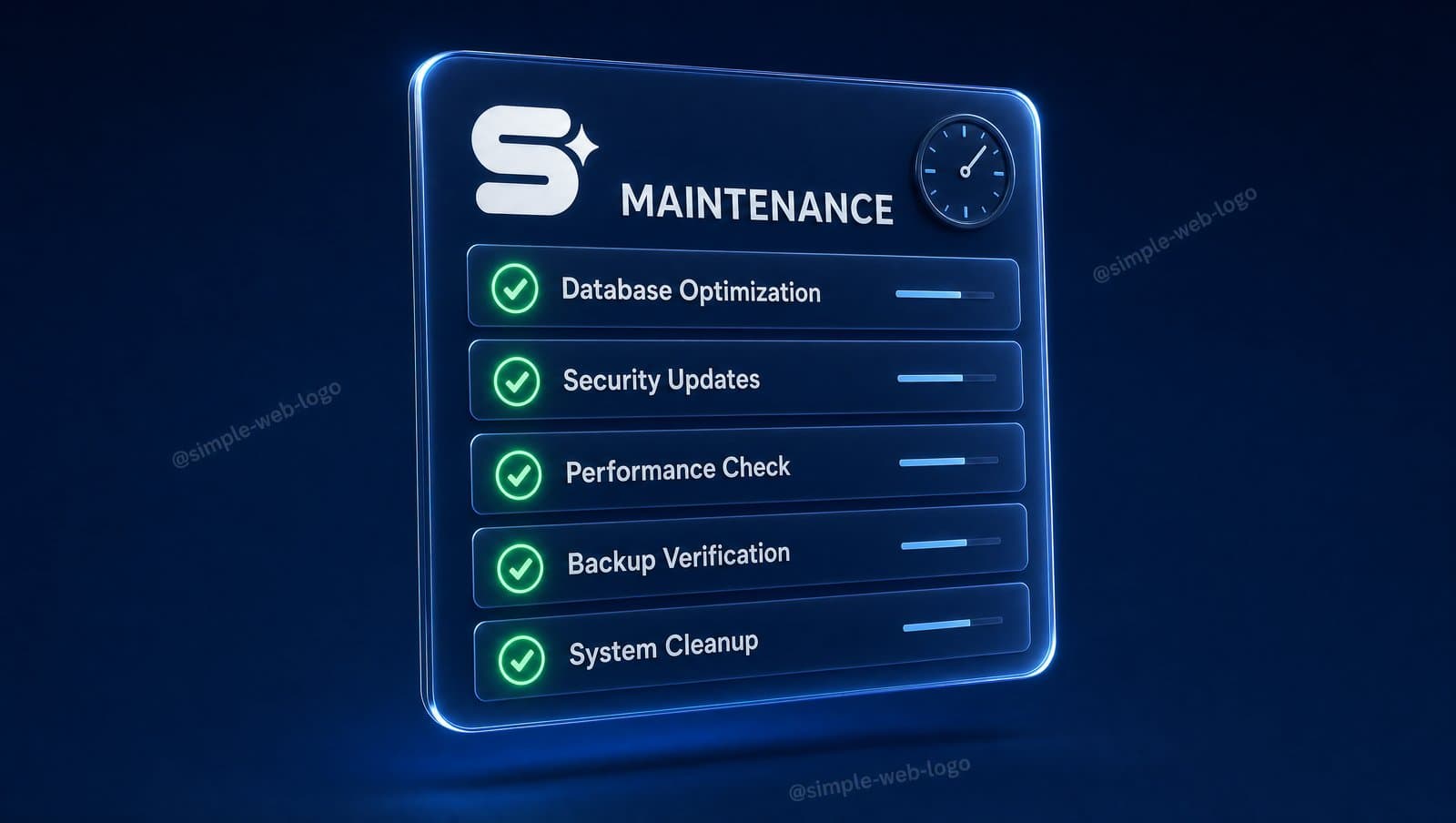
Even when retaining a maintenance agency, business owners should run this 10-minute monthly audit:
- Test your website on a mobile smartphone: browse the homepage, key service offerings, and the contact page.
- Submit a test inquiry through every contact form and verify receipt in your email and CRM.
- Inspect the browser padlock to verify SSL expiration dates and validity.
- Scan your domain on securityheaders.com to verify HSTS enforcement and HTTPS redirects.
- Run a mobile audit on PageSpeed Insights to monitor performance trends.
- Review Google Search Console for security issues, crawl errors, and Core Web Vitals alerts.
- Verify that the latest offsite backup was generated successfully within the last 24 hours.
- Audit pending plugin updates in your dashboard.
- Confirm upcoming domain and hosting renewal dates.
- Verify that your accessibility statement and privacy disclosures remain accurate.
Website Maintenance Pricing in Israel
Representative market pricing across the Israeli digital landscape:
- Basic Maintenance Retainer (Updates, cloud backups, uptime monitoring): ~₪150–400 per month.
- Comprehensive Retainer (Security hardening, speed optimization, form audits, monthly reporting, minor content edits): ~₪400–1,200 per month.
- Complex Ecommerce & Custom Web Applications: Custom scope based on SLA requirements.
How Simple Web Delivers Rock-Solid Reliability
Simple Web is an AI-driven digital agency based in Bnei Brak, certified Meta Partners, and Google Ads specialists serving 200+ businesses with 28 verified 5★ Google reviews (meet our team on our about page). We offer two dedicated solutions for existing websites. First, Simpi, our proprietary AI SEO agent, connects to your site (full automated publishing on WordPress; Wix and Shopify supported) to diagnose and fix technical SEO issues: broken links, sitemaps, schema markup, and speed regressions. Simpi operates at ₪750 + VAT/month on a 3-month launch commitment.
Second, for regulatory assurance, we offer Comprehensive Privacy Audits at ₪1,500 and free 20-minute privacy consultations. Every custom business website we engineer starts from ₪5,000, delivered in ~3 weeks (14 business days) with green Core Web Vitals, A+ speed scores, and integrated Consent Mode.
Summary
Website maintenance is not an optional expense on an already functional site; it is the insurance policy that keeps it functional. Updates, backups, SSL encryption, form telemetry, speed optimization, security, and legal compliance form a complete defense system. Contact Simple Web today for a free diagnostic audit of your website.