Buying a Domain and Web Hosting: What to Know Before You Pay
Your domain must be registered in your name, not your agency's. That is rule number one, followed by: TLDs, naming, DNS, hosting tiers, and a pre-payment checklist.
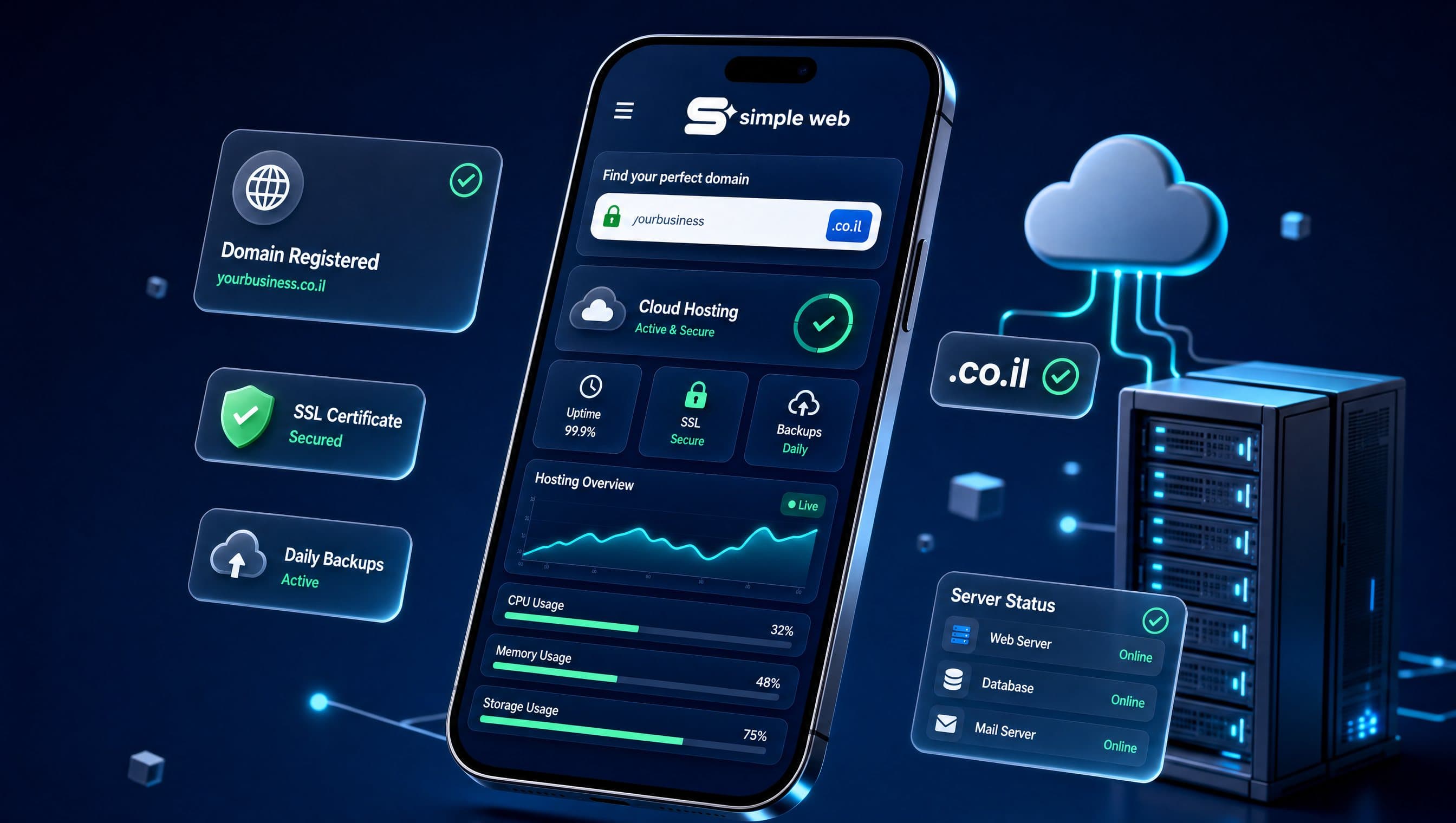
Buying a domain is usually the first step when creating a website, and that is precisely why it is often done in haste. You pay a small fee, click confirm, and move straight to design. The problem surfaces two years down the road: the domain is registered under an agency you no longer work with, your business email lives on a hosting account no one remembers the password to, and your website is painfully slow because a cheap shared hosting package was chosen without vetting. In this guide, we break down everything a business owner needs to know before paying: ownership rules, choosing between .co.il and .com, DNS fundamentals, selecting the right hosting tier, and a 10-point checklist before making any payment.
The Golden Rule of Domain Registration: The Domain Must Be in Your Name
The domain name is the single digital asset of your business that cannot be rebuilt from scratch. A website can be redesigned, and hosting servers can be swapped. But a domain registered under someone else's name legally belongs to them—even if your credit card pays for the yearly renewal.
In practice, web agencies frequently register domains under their master accounts 'to save you hassle'. When you eventually decide to change vendors, you discover that your website, corporate email, and annual renewals depend entirely on their cooperation.
Four essential ownership items must remain exclusively yours:
- Registrant Ownership: The official registrant name, company registration ID, and email address must belong to your business.
- Registrar Account Access: The master username, password, and two-factor authentication credentials with the domain registrar must remain in your possession.
- Direct Renewal Billing: Your company's credit card with auto-renewal enabled, ensuring the domain never lapses due to an unread notification sent to an obsolete inbox.
- Primary Administrative Contact: An actively monitored business email address where critical transfer and renewal authorizations are received.
How to verify this yourself: Perform an instant WHOIS lookup for your domain: for .il domains via the Israel Internet Association (ISOC) registry, and for international domains via ICANN lookup tools. If the registrant is not your business entity, request an immediate ownership transfer today.
What We See in the Field
When an onboarding client joins Simple Web with an existing web property, our very first audit step isn't visual design—it is verifying domain ownership, DNS management authority, and hosting tenancy. In our experience, at least one of these critical assets is routinely registered under a previous supplier. Our agency standard is absolute: we secure client ownership, migrate DNS management to a dedicated Cloudflare account in the client's name, and only then begin site development. We never register client domains under agency accounts.
.co.il vs. .com: Selecting the Right Extension and Brand Name
The .co.il country-code top-level domain is engineered for businesses operating in Israel. It establishes immediate local credibility, signals geographical relevance directly to Google, and fosters consumer trust. For .il domains, registration is managed through accredited registrars overseen by ISOC.
The .com extension is ideal for companies targeting international markets, technology startups, and global brands. For high-value brand names, we strongly advise registering both .co.il and .com—pointing the secondary extension to your primary domain to prevent brand poaching.
Core rules for selecting your domain name:
- Short and easily spelled: Clients should be able to type it seamlessly when dictated over the phone.
- Avoid hyphens and numbers: They introduce confusion and lead to accidental typos.
- Brand consistency: Ensure the domain aligns with your Google Business Profile and social media handles.
- Hebrew IDN domains: While technically available, Hebrew-lettered URLs present compatibility hurdles in email systems and marketing collateral.
- Trademark verification: Conduct basic trademark searches before registering to prevent future legal disputes.
Remember: your domain also powers your business email infrastructure (e.g., info@yourcompany.co.il). Securing the domain is the prerequisite before connecting Google Workspace or Microsoft 365.
DNS in Two Minutes: Connecting Your Domain to Web and Email Services
A domain name is merely an address label. The Domain Name System (DNS) is the global directory that directs traffic to specific web and email servers. Whoever controls your DNS controls your digital presence.
Four primary record types govern standard business operations:
- A / CNAME: Directs your root domain and subdomains (like www) to your web hosting server.
- MX: Specifies which mail servers receive incoming corporate emails. Misconfigurations here cause critical business emails to vanish.
- TXT: Handles domain verification (Google Search Console) and vital email security protocols (SPF, DKIM, DMARC) preventing your emails from landing in spam.
- NS (Nameservers): Defines the authoritative DNS provider managing your zone records.

We recommend small and medium businesses manage DNS through Cloudflare on an account owned by the business. It is free at the foundational tier, provides global CDN acceleration and DDoS protection, and enables seamless hosting migrations without touching the domain registrar. DNS propagation typically takes minutes to several hours, so never adjust DNS records on the day of a major ad campaign launch.
If you are still choosing where to open your mailboxes, we compared Google Workspace and Microsoft 365, including prices and how to migrate without losing email, in Business email on your own domain: Google Workspace or Microsoft 365, what it costs and how to start.
Web Hosting: The Four Architecture Types and What Suits Small Businesses
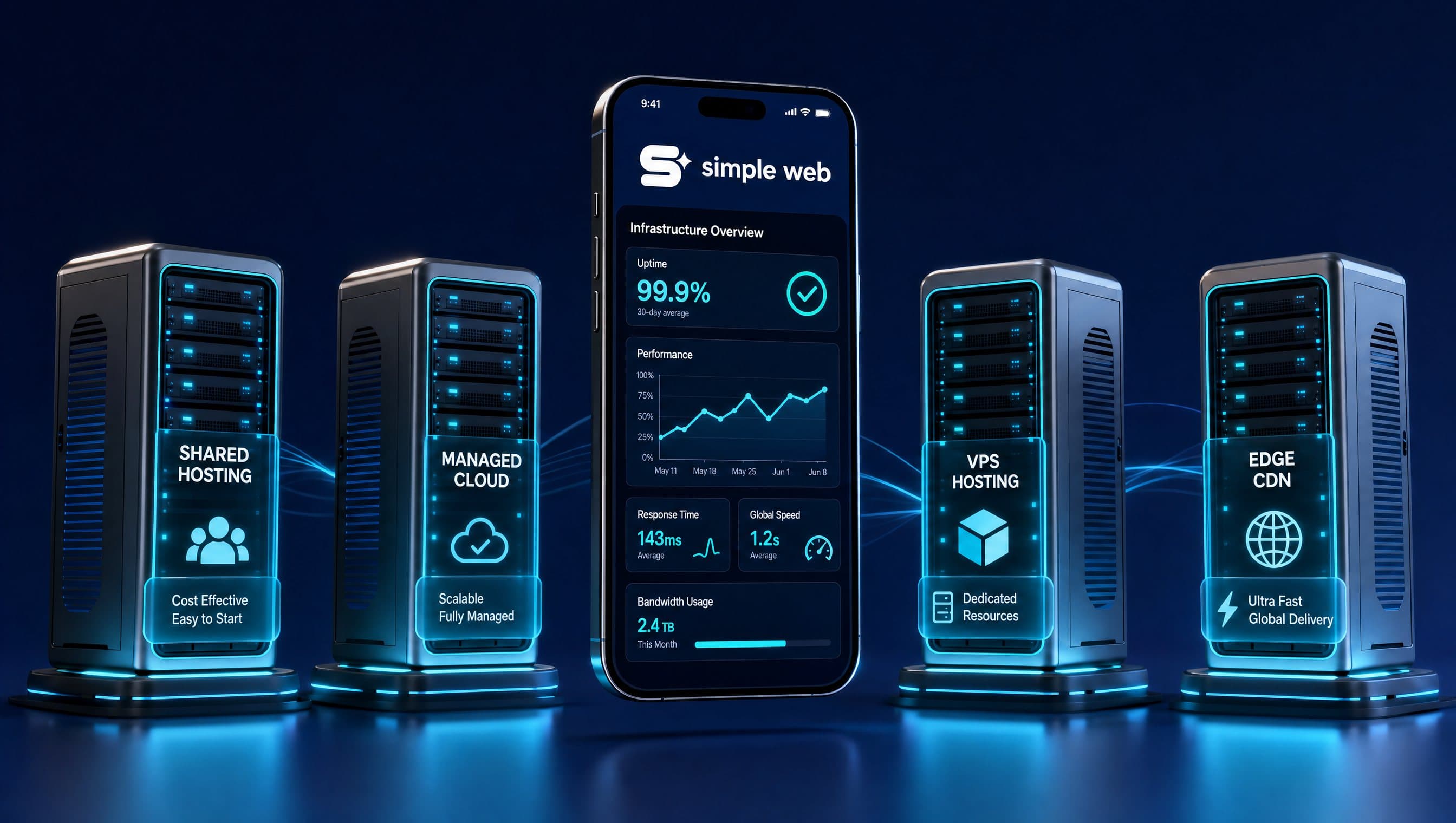
Web hosting is the server infrastructure where your website files and databases reside. Hosting is entirely decoupled from your domain registration and can be migrated independently. The four primary hosting models include:
- Shared Hosting: Dozens or hundreds of websites sharing a single physical server. The most economical tier (₪20–60/month), suited only for low-traffic static sites. Drawback: resource spikes from neighboring sites can slow down your pages.
- Managed WordPress Hosting: Servers optimized specifically for WordPress with automated core updates, server-level caching, daily backups, and malware protection (₪60–250/month). The standard recommendation for WordPress sites receiving active marketing traffic.
- Cloud / VPS (Virtual Private Server): Dedicated virtualized server resources offering maximum flexibility and scalability (₪100–500+/month), requiring dedicated technical server administration.
- Static Edge Hosting: Modern web architectures (such as Next.js on Vercel or AWS Edge) serving pre-rendered static assets across a global edge network without traditional monolithic servers. Delivers ultra-fast sub-second loading speeds.
Critical evaluation criteria beyond raw price:
- Server Location & CDN: Servers located geographically close to Israeli visitors (or backed by local edge CDN nodes) minimize latency, directly improving Core Web Vitals and page speed.
- Automated Daily Backups: Independent 30-day offsite backups with one-click restore capabilities.
- Included SSL Certificates: Free automated Let's Encrypt SSL renewal.
- SLA & Responsive Support: Guaranteed support response times when outages occur.
- Staging Environments: A one-click sandbox to test updates safely before deploying to production.
- Unrestricted Portability: Full access to download complete database and file archives on demand.
How to test server response time: Run your homepage through PageSpeed Insights under the mobile tab and inspect Time to First Byte (TTFB). A server response time exceeding 800ms indicates hosting infrastructure bottlenecks rather than frontend design flaws.
Pre-Payment Checklist: 10 Non-Negotiable Items
Review this checklist before authorizing any domain or hosting expenditure:
- Domain registrant details list your official company name and identification.
- Registrar login credentials and two-factor authentication are secured in your company password vault.
- Auto-renewal billing is configured on a corporate credit card.
- Domain transfer lock is actively enabled against unauthorized transfers.
- Secondary TLD (.com or .co.il) is secured for defensive brand protection.
- DNS is managed in a transparent, accessible account under company control.
- Hosting account is opened in your organization's name.
- Renewal pricing beyond promotional first-year rates is confirmed in writing.
- Automated daily backups, SSL, and technical support are explicitly guaranteed in the agreement.
- Exit terms and data export procedures are clearly defined.
How Simple Web Manages Infrastructure
Simple Web is an AI-powered marketing agency based in Bnei Brak, certified Meta Partners, and Google Ads specialists serving 200+ businesses with 28 verified 5★ Google reviews (discover more on our About page). Our operational philosophy is uncompromising: client assets always belong to the client. When building custom brand websites or e-commerce stores, projects launch on client-owned domains with perfect A+ Core Web Vitals. Brand websites start from ₪5,000 delivered within ~3 weeks (14 business days). Every website build includes 6 months of complementary SEO content writing (₪4,500 value).
Summary
Registering a domain and selecting hosting takes minutes, but dictates digital stability for years. The cardinal rule: maintain legal ownership of your domain and registrar accounts. Select .co.il for local Israeli market penetration, deploy DNS on Cloudflare, and choose hosting based on automated backups, TTFB speed, and export flexibility. Contact Simple Web today for a free infrastructure and domain ownership audit.