Building an AI agent for your business: do it yourself or hire it out? Tools, costs and where it breaks
Building an AI agent: three ways to do it yourself, what each tool costs per the September 2026 price lists, where the free version breaks down.

Building an AI agent for a business sounds these days like an afternoon's work: a video on YouTube, a free tool, and an agent that answers customers. Sometimes it really is. Building an AI agent yourself suits an internal, simple process, but it breaks down when the agent talks to customers, touches sensitive information, or has to work every day with nobody watching. In this article we go through three ways of building one yourself, with the prices from the suppliers' own pages as of 17 September 2026, break down the real monthly bill, and finish with a decision table: when to build and when to hire.
Before you build: perhaps you do not need an agent at all
What an AI agent is and how it works is explained in our guide to AI agents for business. The question here comes earlier: does your task need an agent in the first place.
Anthropic, the company behind Claude, writes in its guide Building effective agents that you should find the simplest possible solution and add complexity only when it is needed — even if that means not building an agent system at all. The guide distinguishes between two kinds:
- A workflow: a language model and tools running along a path defined in advance.
- An agent: a model that decides for itself on the steps and the tools.
Our rule of thumb: if the steps are always the same — "a lead comes in, is saved to the CRM and gets a message" — what you need is an automation, not an agent. An agent earns its keep when judgement is required over free text: classifying an enquiry, drafting a reply, deciding who to pass it to. An automation is cheaper, more predictable and easier to fix.
Building an AI agent yourself: three routes, and what each one costs
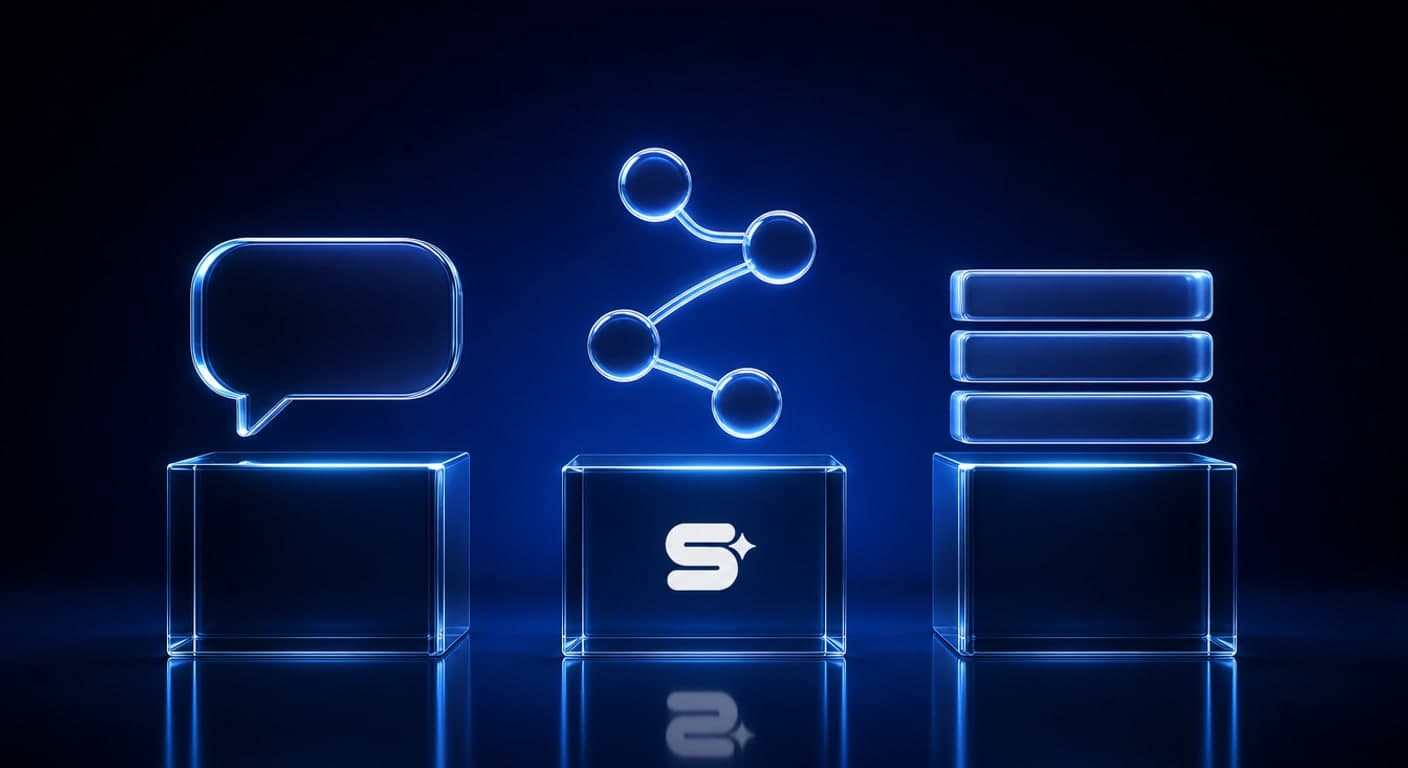
The prices were taken from the suppliers' pricing pages on 17 September 2026.
| Route | Monthly cost | Suits | Where it breaks |
|---|---|---|---|
| Inside a chat app | ChatGPT Plus ₪70; Claude Pro $17–20; Gemini Gems on Gemini's plans | An internal assistant for you and the team | It lives inside the app and does not answer customers in your channels |
| An automation platform with AI steps | Make: free up to 1,000 credits, Core from $9; n8n: Starter €20 | A process that links several systems | Every fault and change is on you, and you usually pay for the model as well |
| Code with an API | By model and server usage | Anyone with a developer on the team | Everything else: security, monitoring, maintenance |
1. Inside a chat app. In ChatGPT, a Plus subscription includes creating custom GPTs, projects and scheduled tasks. In Claude, the free plan includes up to five projects, and a Pro subscription ($17 billed annually or $20 billed monthly) adds task scheduling. This is the good way to start: you set instructions, upload documents, and see whether AI does the job well at all.
2. An automation platform. On Make the free plan is limited to 1,000 credits a month and to running at most once every 15 minutes. Core costs $9 a month billed annually, or $10.59 billed monthly, for 10,000 credits. On n8n, the Starter plan in the cloud costs €20 a month billed annually for 2,500 executions, and Pro costs €50 a month billed annually for 10,000 executions. There is also a Community edition you install on a server of your own. Here you can already build an agent that responds to a form, an email or a message.
3. Code. Full flexibility, but full responsibility too. It only suits you if the business has a developer who will still be maintaining it a year from now.
The monthly bill for an agent that really works
The subscription to the tool is usually the small line. An agent running every day generates a bill with five lines:
- The model. A subscription to the app, or pay-as-you-go through an API. An agent that runs a lot consumes a lot, so set a monthly spending cap.
- The automation platform. Credits or executions. Work out how many times a day the agent will run, rather than how many agents you have.
- Communication channels. An agent that answers customers on WhatsApp works through the WhatsApp Business Platform, and Meta charges per message. From 1 October 2026 the charge covers replies to customers as well, beyond 1,000 free service messages a month for each number. The detail is in how much a chatbot costs.
- A server, if you chose to self-host.
- Your hours. Building, testing, and maintenance when a tool changes its interface or the model starts answering differently. This is usually the most expensive line, and the only one that does not appear on any price list.
A simple exercise: multiply the number of hours you will put in over a month by what an hour of your time is worth. If that number is higher than what you would have paid a supplier, building it yourself is not a saving.
Where the free version breaks down
In our estimate, an agent built in-house starts to creak in one of these six situations:
- The credits or executions run out. A free plan is enough for an experiment, not for a daily process.
- Customers are talking to it. A mistake in front of a customer costs more than a mistake in an internal draft.
- It touches personal information. Amendment 13 to the Privacy Protection Law requires you to know where the information is kept and who has access to it. We set this out in our guide to Amendment 13.
- There are more than two systems. Every extra connection is another point that can break quietly.
- Nobody gets an alert. An agent that stops on a Friday afternoon will be discovered on Sunday.
- The person who built it has left. If only one person understands how the agent works, what you have is a dependency, not an asset.
A typical scenario: a business owner builds an agent in Make that reads enquiries from the website, drafts a reply and sends it to the customer. In the first month everything works. Then the credits run out mid-month, a form on the site renames a field, and the agent sends empty replies without anyone knowing. None of those failures has anything to do with AI. They are all about maintenance — which is why building an AI agent is a decision about who maintains it, not only about which tool you pick.
Build it yourself or hire it out: a decision on five criteria

| Criterion | Build it yourself | Hire it out |
|---|---|---|
| Systems to connect | One or two | Three or more |
| Who maintains it | There is someone in the business with time for it | There is not |
| Sensitivity of the data | Internal information, not personal | Customer details, money, medical information |
| Channel | Your own internal use | Facing customers, on WhatsApp for instance |
| Cost of a mistake | A draft you will correct | A quote, a payment or a reply to a customer |
The decision rule: if two rows or more fall in the "hire it out" column, hire it out. If they all fall under "yourself", start yourself. In between there is a third route that works well: build a prototype inside a chat app, prove the task works, and only then commission a version connected to your systems.
If you are building it yourself, four rules: one process at a time; every action that goes out waits for human approval; a log of every action the agent performed; and a spending cap on the model. A list of further tools is in our 10 AI tools for 2026.
What Simple Web does about it
Simple Web is an AI-first marketing agency from Bnei Brak, certified Meta partners and Google advertising experts, working with 200+ businesses and holding 35 five-star Google reviews. We build AI agents for business that work inside the business 24/7, on triggers and schedules, without anyone having to open a chat: customer service, quotes, invoice matching, calendar and email, and monitoring of campaigns and stock. The agent connects to the CRM, the calendar, email, the bookkeeping system, WhatsApp and Google's and Meta's advertising platforms, and reports on WhatsApp, Telegram or email.
Every agent has defined permissions and a full action log, and sensitive actions such as a quote or a payment require human approval. The information stays in your systems, and the work is done in line with Israeli privacy law, including Amendment 13. The process: a spec meeting, planning and a quote, building and connecting, then launch and support. From the spec meeting to a first agent live takes 2–4 weeks. For a small business that is usually a single agent. The price is made up of a one-off setup and a small monthly operating cost, and is set in a quote based on scope.
Summary
Building an AI agent yourself is a good way to start: a chat app for a prototype, and an automation platform for an internal process. It breaks down when the agent talks to customers, touches personal information, links several systems, or when there is nobody to maintain it. Before choosing, ask whether a simple automation would not do, and count your own hours as part of the cost. Want to work out which process in your business is worth an agent, and how to build it? Book a free diagnostic call.
Sources
- Anthropic: Building effective agents: the distinction between a workflow and an agent, and the recommendation to start from the simplest solution
- ChatGPT: pricing: the Plus price in shekels and what it includes: custom GPTs, projects and scheduled tasks
- Claude: Plans & Pricing: the Pro price, projects on the free plan and task scheduling
- Make: Pricing: the free plan and the Core price by credits
- n8n: Plans and Pricing: the Starter and Pro prices in the cloud and the self-hosted Community edition
Tags:
Recent posts