Building a Landing Page: The Complete Guide to What It Is, How to Build One and What It Costs in 2026
How to build a landing page that converts: what it is, the structure that works, the 7 principles, DIY or agency, cost, and a 5–7 business-day process.
Building a landing page is, in our experience, one of the highest-return moves in digital marketing, and also one that most businesses get wrong. Everyone knows a campaign needs a landing page. Most people build it like a page on their website, then wonder why the clicks never turn into inquiries. In this guide we break down the whole process: what a landing page is and how it differs from a website, how to build one step by step, what turns a professional landing page into one that converts, when to build it yourself and when to work with an agency, and what it costs in 2026.
What a landing page is, and how it differs from a website
A landing page is a single web page built for a single goal: getting the visitor to take one action. Leaving their details, booking an appointment, making a purchase or signing up. The visitor "lands" on it from an ad, a post or an email, hence the name.
The difference from a regular website is focus. A website has a menu, dozens of pages and dozens of links, because its goal is to present the entire business. A landing page has no menu and no distractions. It has one message, one offer and one button. Every element on the page serves that action, or it isn't there.
That's why a professional landing page is a campaign tool: Google Ads, paid advertising on Facebook and Instagram, newsletters. A brand website, by contrast, is the business's long-term home. Most businesses need both, and each one does a different job. If you want to see what this looks like in practice, we collected 10 landing page examples by industry and goal.
Before you build: 5 questions that decide whether the page will convert
Most landing pages that don't convert fail on strategy, not design. Before you open a design tool, answer five questions:
- Who exactly is the audience? "Women 25–45" is not an audience. "Postpartum mothers in central Israel who want to get back in shape" is an audience you can write for.
- What is the specific pain? Not "getting in shape," but "feeling comfortable in a swimsuit within 60 days." The more precise, the better.
- What is the one action? A discovery call, booking an appointment, downloading a guide. One page, one action.
- What is the offer? Not "our service," but an offer with clear boundaries: what's included, for how long, at what price.
- Why now? A deadline, a limited number of spots, launch pricing. Real urgency only; invented urgency damages trust.
Once you have answers to all five questions, the structure of the page almost writes itself.
The structure of a professional landing page, section by section
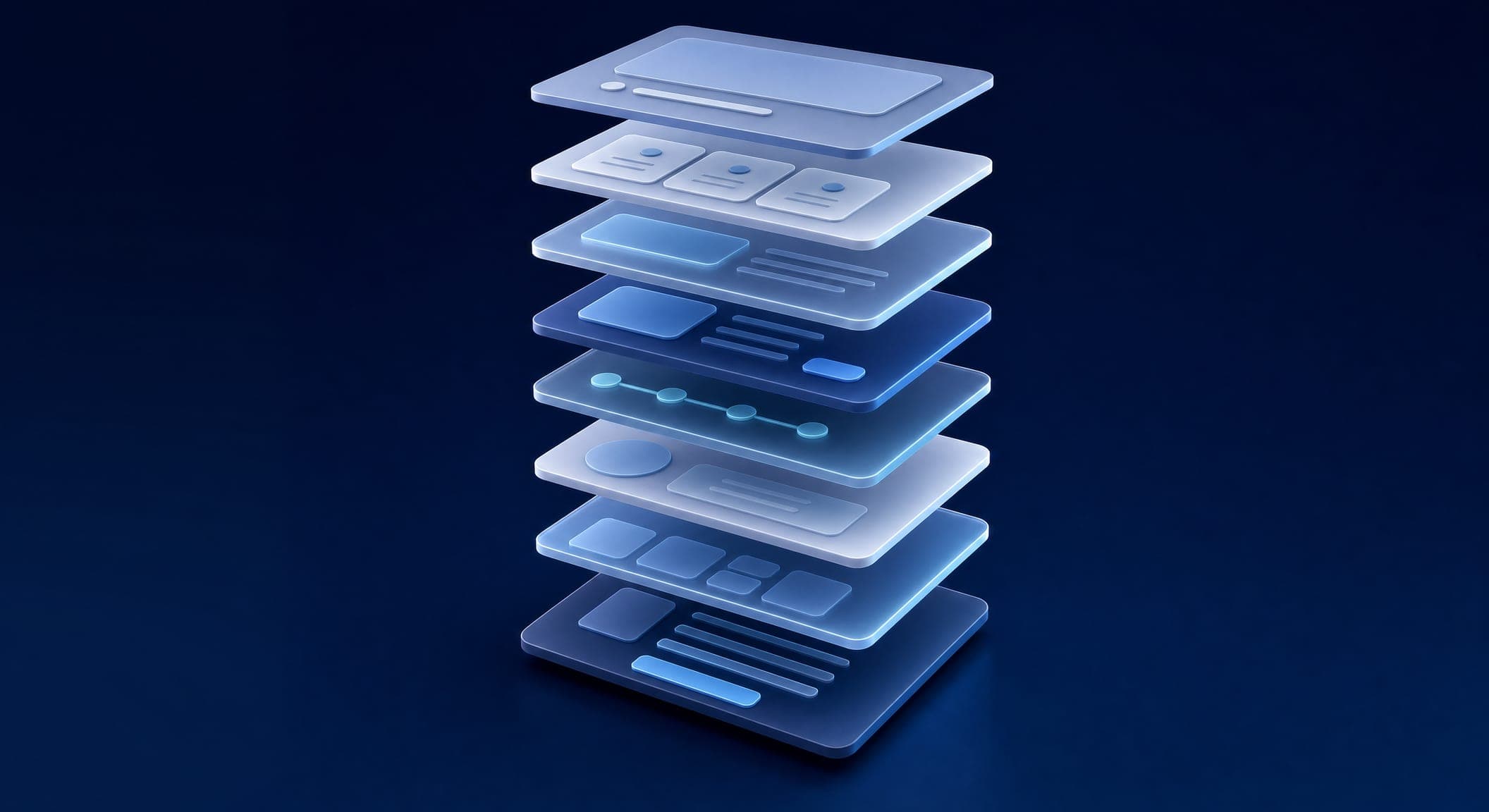
This order works in the vast majority of cases, which is why it's the order we start from:
- Hero (the first screen): A large headline with the benefit, a subheadline that explains it, a call-to-action button and an image or video. Visitors should understand everything without scrolling.
- The pain: Two or three sentences that show visitors they're in the right place.
- The solution: What you offer, briefly and clearly.
- Proof: Real testimonials, client logos, numbers you can stand behind. This is the part that holds on to the visitor who's on the fence.
- How it works: Three to five steps. Transparency builds trust.
- The offer and the price: Clear, transparent, with real urgency.
- FAQ: Five to eight questions that handle objections.
- Final call to action: The same button, the same action, repeated at the end of the page.
What makes a landing page convert: the 7 principles
After hundreds of pages, these are the seven things that show up on every page that works:
- A headline that sells in seconds. You have three to five seconds. "Welcome to our company" wastes them. "More leads from the same ad budget" uses them. Write ten versions and pick one.
- A call-to-action button above the fold. The first button must be visible without scrolling, in a color that stands out from everything else on the page.
- Visual hierarchy. Size, color and placement guide the eye: headline, benefits, proof, button. Not the other way around.
- White space. A cramped page feels overwhelming. Space lets the eye rest and focuses it on what matters.
- Specific social proof. "We grew inquiries within two months" is convincing. "Great service!" is not. A full name and a photo, or nothing.
- A short form. Name and phone are enough at the first stage. Every extra field lowers the completion rate. You collect the rest of the details on the call.
- One action only. "Book a call" next to "Call us" next to "Download the guide" makes the visitor choose nothing.
What counts as a good conversion rate for a page like this? It varies a lot by industry, so we dedicated a separate article to website conversion rates and what counts as good in Israel.
Design and technology: speed, mobile, forms and tracking
A landing page is not the place to get creative with design. Complex design distracts from the message. The rules are simple: one font for headings and one for body text, two or three colors, one accent color for buttons, real photos rather than generic stock.
On the technical side, there are four things you can't compromise on:
- Speed. A page that loads slowly loses visitors before they've read the headline. The target: green Core Web Vitals. Check in PageSpeed Insights before launch and after it.
- Mobile first. Most campaign traffic comes from phones. The page is designed for the small screen first: big buttons, readable text, a form you can fill in with your thumb.
- A form that works. Every submission reaches email, WhatsApp or the CRM, and a thank-you page appears. Test this before you turn on any budget.
- Tracking. Google Analytics 4, the Meta pixel and Google Ads conversion tracking are installed before the first click. Without tracking there's no optimization.
If your page is already live and isn't converting the way you expected, go through 12 small changes that boost conversions before you rebuild.
Build it yourself or with an agency?
Self-service builders (Wix, email marketing platforms with a landing page editor, and more recently AI tools too) let you put a page up within an hour. It's a legitimate option, and in some cases it's the right one:
- Building it yourself makes sense when the campaign budget is small, when you want to test an idea before investing, or when someone in the business understands copy and design and has the time.
- An agency makes sense when you run a steady ad budget (every shekel burned on a weak page costs more than the page itself), when you need a connection to a CRM, a booking system or payment processing, and when you don't have time to test, measure and improve.
What AI tools do well today, and what still breaks without a human, we covered in our article on AI landing pages. The short version: the tool produces a reasonable page, but the strategy, the offer and the tracking stay with you.
How much does building a landing page cost?
There's no single price, because "landing page" covers a range: from a basic page built on a template to a page with original copy, custom design, integrations and rounds of testing. In the Israeli market, based on our experience, the range runs from a few hundred shekels for a template page to a few thousand shekels for a custom page with integrations, as of 2026. These numbers are a market estimate, not a price list.
What determines the price: whether the copy is written from scratch, whether the design is custom or template-based, how many integrations there are (CRM, calendar, payment processing, WhatsApp), and how many revision rounds are included. With us, the price is set in a quote based on scope, after a free discovery call where we understand what the page needs to do. A full breakdown of the tiers, what's included in each one and which costs pop up after a year is in our article on landing page cost in 2026.
What our process looks like: 5–7 business days
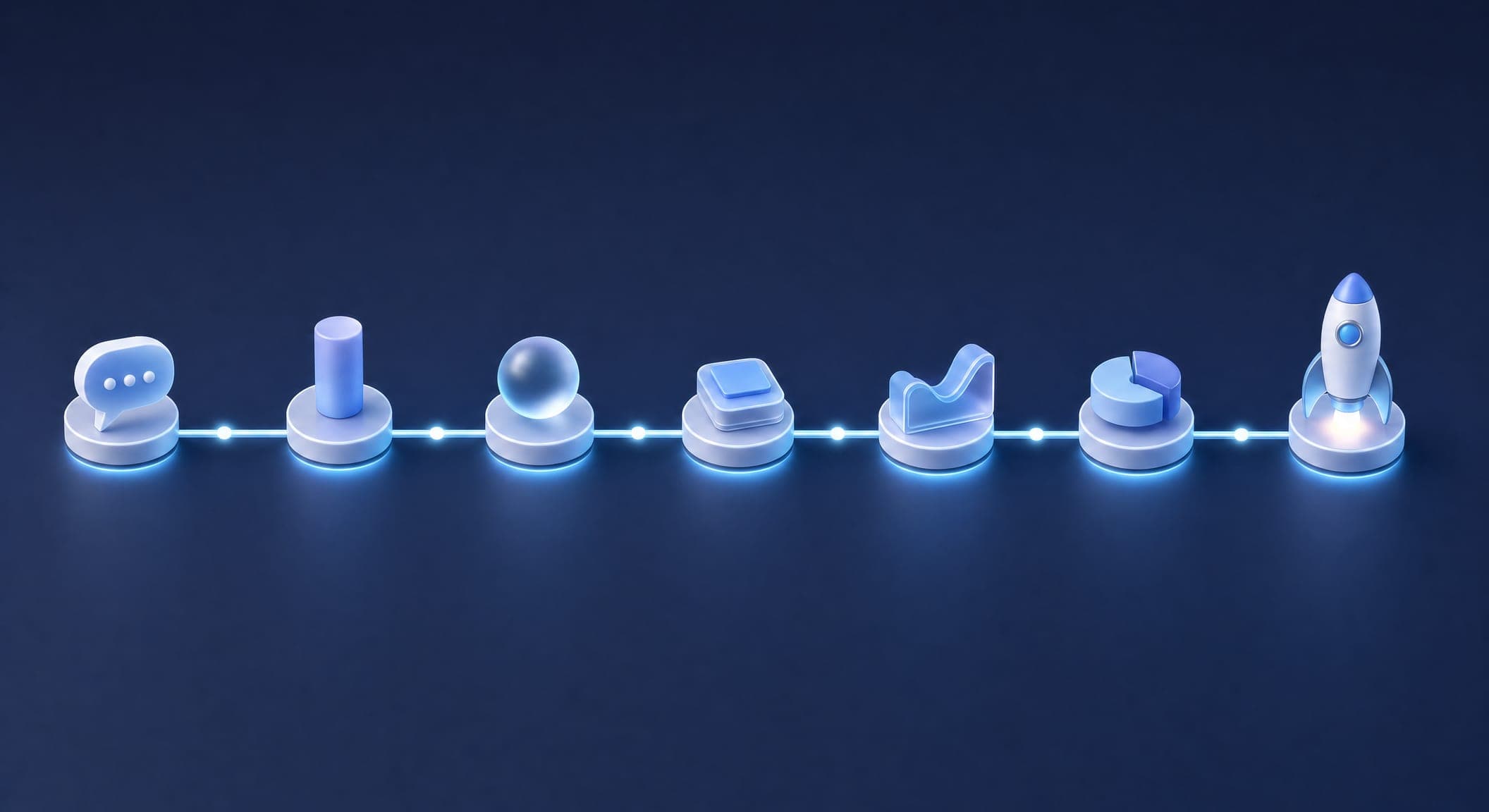
With us, a landing page is usually ready within 5–7 business days. Here's what the process looks like:
- Days 1–2, scoping and copy: A scoping call about the service, the audience, the offer and the desired action. Based on it, we build the page structure and write the copy: headline, key messages, FAQ, call to action.
- Day 3, design: The design is built on your brand identity, for mobile first and then for desktop. You get it for approval with one round of revisions included.
- Days 4–5, build and integrations: We build the page with the help of AI and connect whatever's needed: a form to your CRM or email, pixels, conversion tracking, a WhatsApp button, and a calendar or payment processing if required.
- Days 6–7, testing and launch: Testing on every browser and device, testing every form all the way to the thank-you page, speed, basic accessibility and sharing tags. Only then does the page go live.
After launch, we track performance during the first week. A landing page isn't a project you finish; it's an asset you improve based on data.
The 5 most common landing page mistakes
- More than one action. Three different buttons add up to zero decisions.
- Too much text. Fourteen paragraphs of "why us." The visitor leaves after the second one.
- A long form. Name, phone, email, city, budget, notes. Two or three fields are enough.
- No real mobile version. A page that only looks good on desktop loses most of the traffic.
- No tracking and no improvement. A page that worked in January won't necessarily work in July. Keep measuring.
What Simple Web does about it
We build landing pages around one message, one action and a short form. The page is designed for mobile first, the pixels and conversion tracking are connected before launch, and you can run A/B tests on it. The page is built with the help of AI, while the decisions, meaning the offer, the copy and the tracking, stay with people. The page is usually ready within 5–7 business days, and the price is set in a quote based on scope after a free discovery call. Details on our landing page development page.
We're an AI-first marketing agency from Bnei Brak, certified Meta partners and Google advertising experts, with 200+ clients and 28 five-star Google reviews.
The bottom line: a professional landing page is first and foremost a conversion machine. It's built from strategy, through structure, to design, and not the other way around. When it's built right, its return is among the highest of any marketing channel. Want us to review your page or build a new one? Book a free discovery call.
Sources
- web.dev, Core Web Vitals — the speed metrics Google measures, and the targets for a fast-loading page
- Google Ads Help — landing page experience and conversion tracking in campaigns
- Google Analytics Help — setting up conversion events in GA4